Modeling & Materials

Weekly Design Challenge Template

Yiqi Yang — Design Challenge 1: Object Selection and Intro to 3D Modeling


Module 1


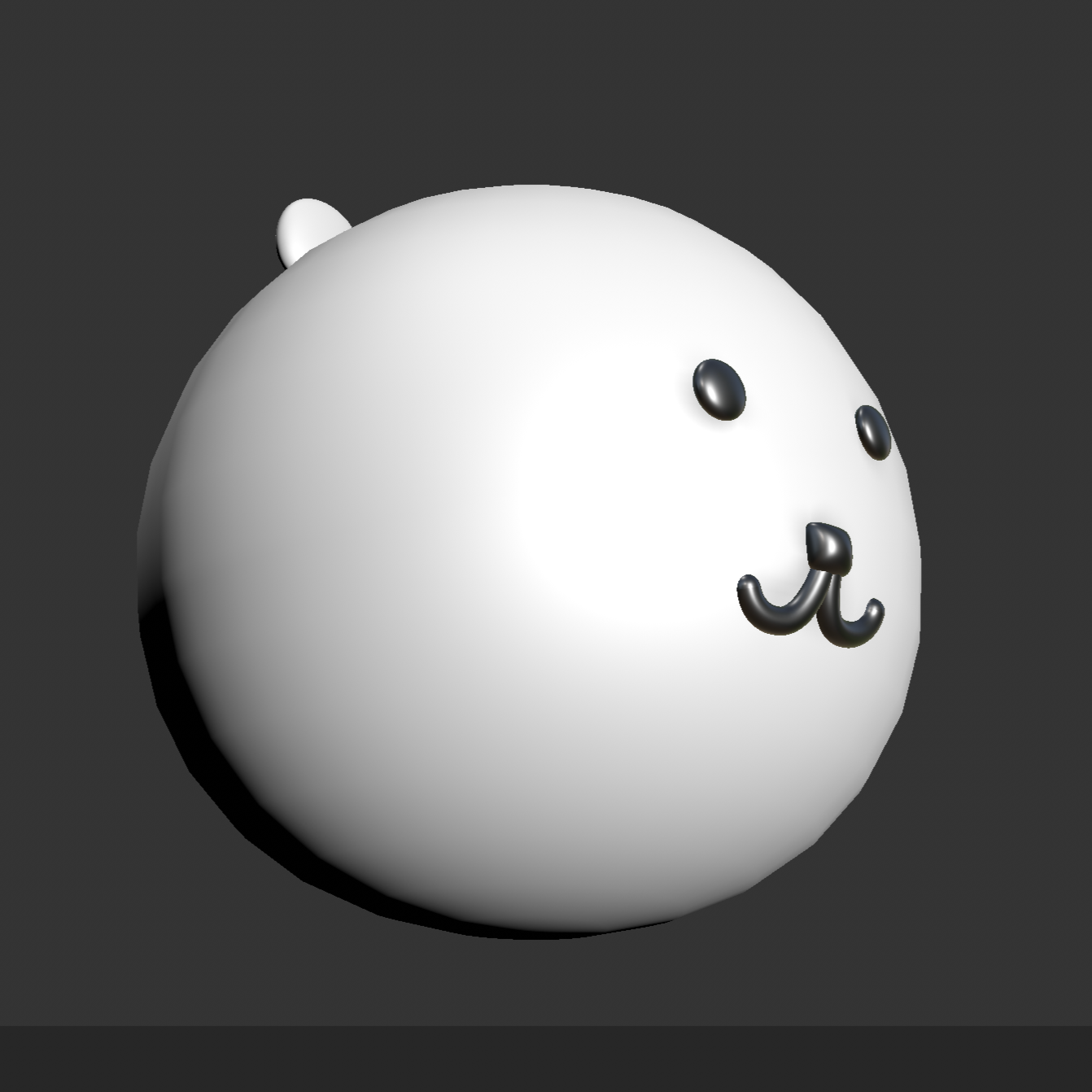
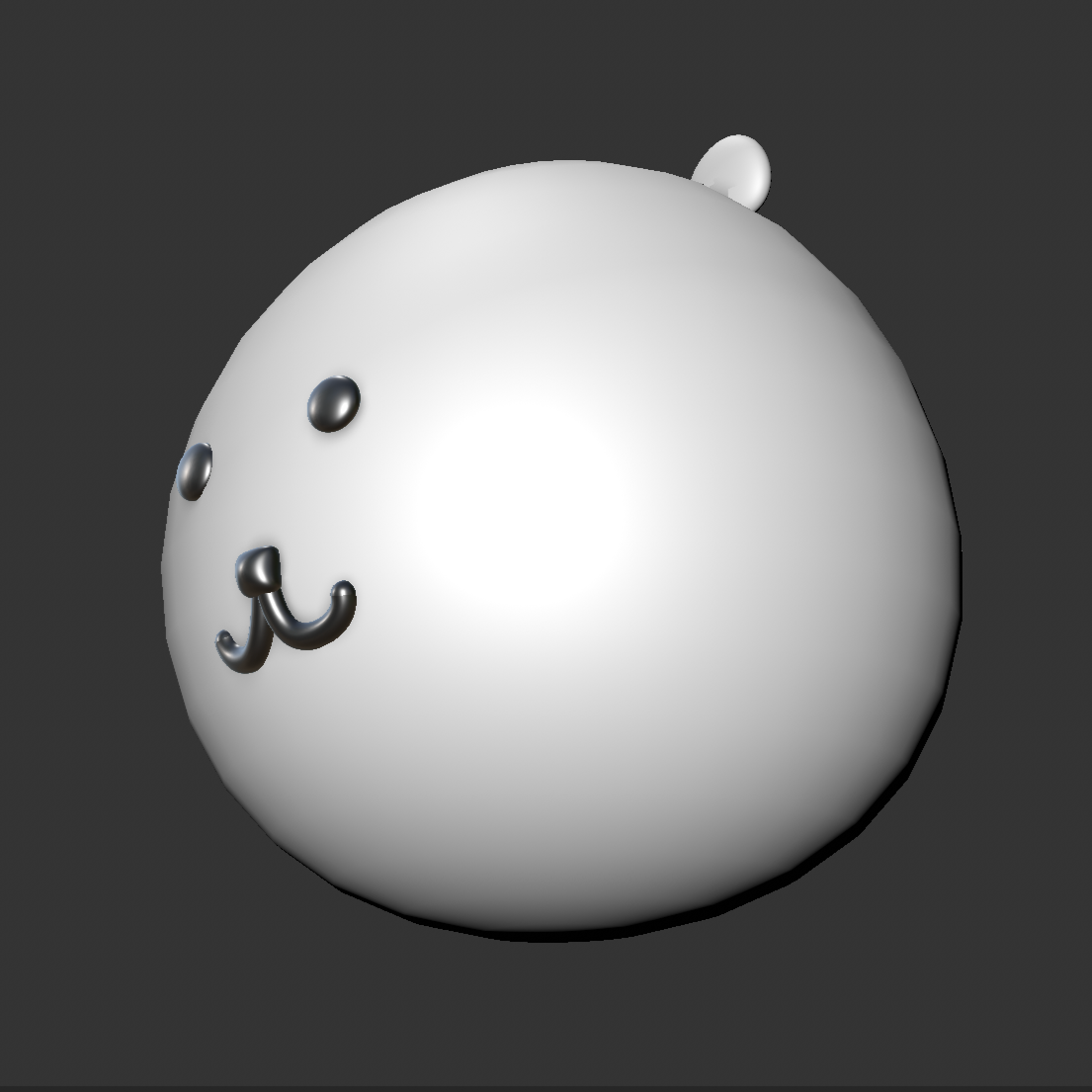
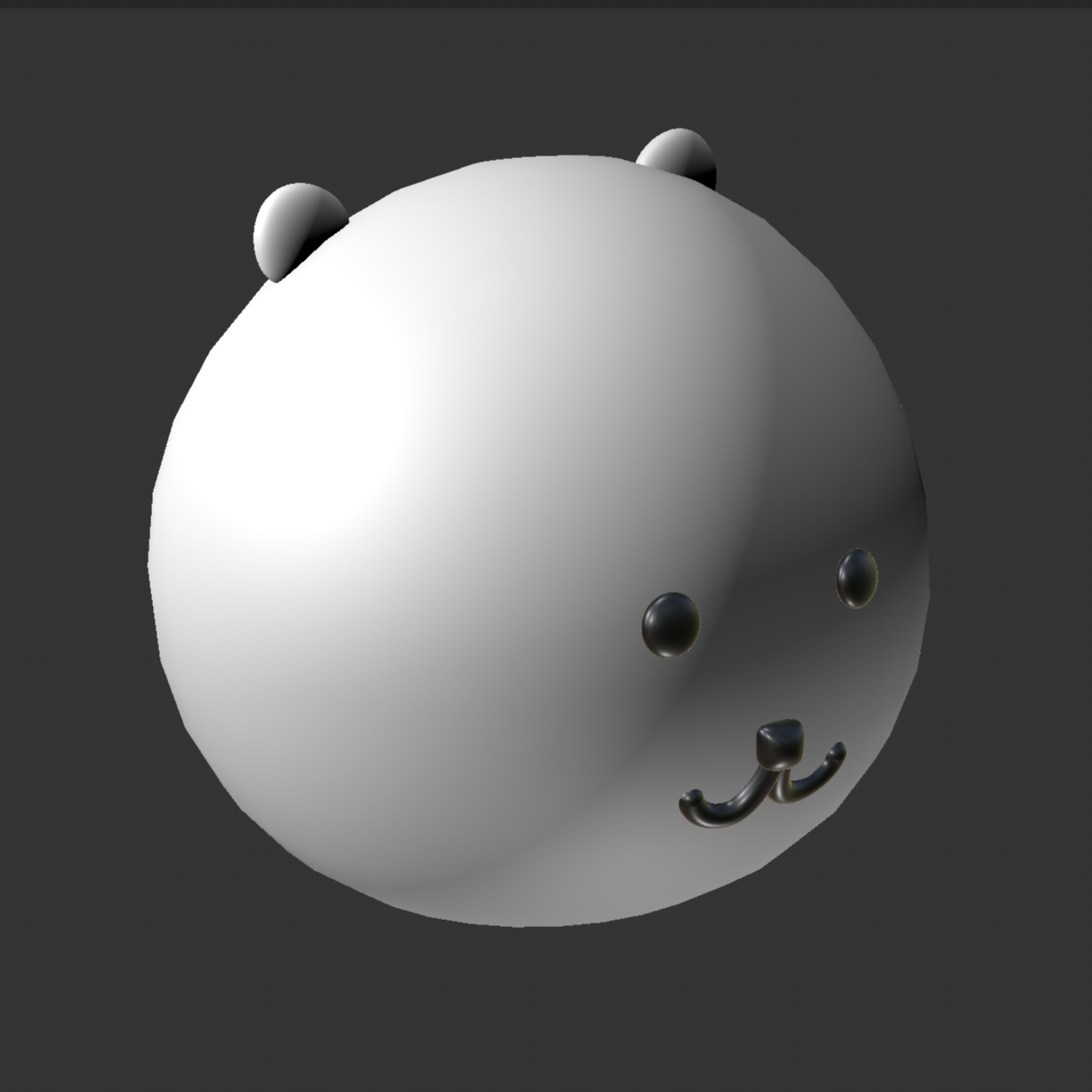
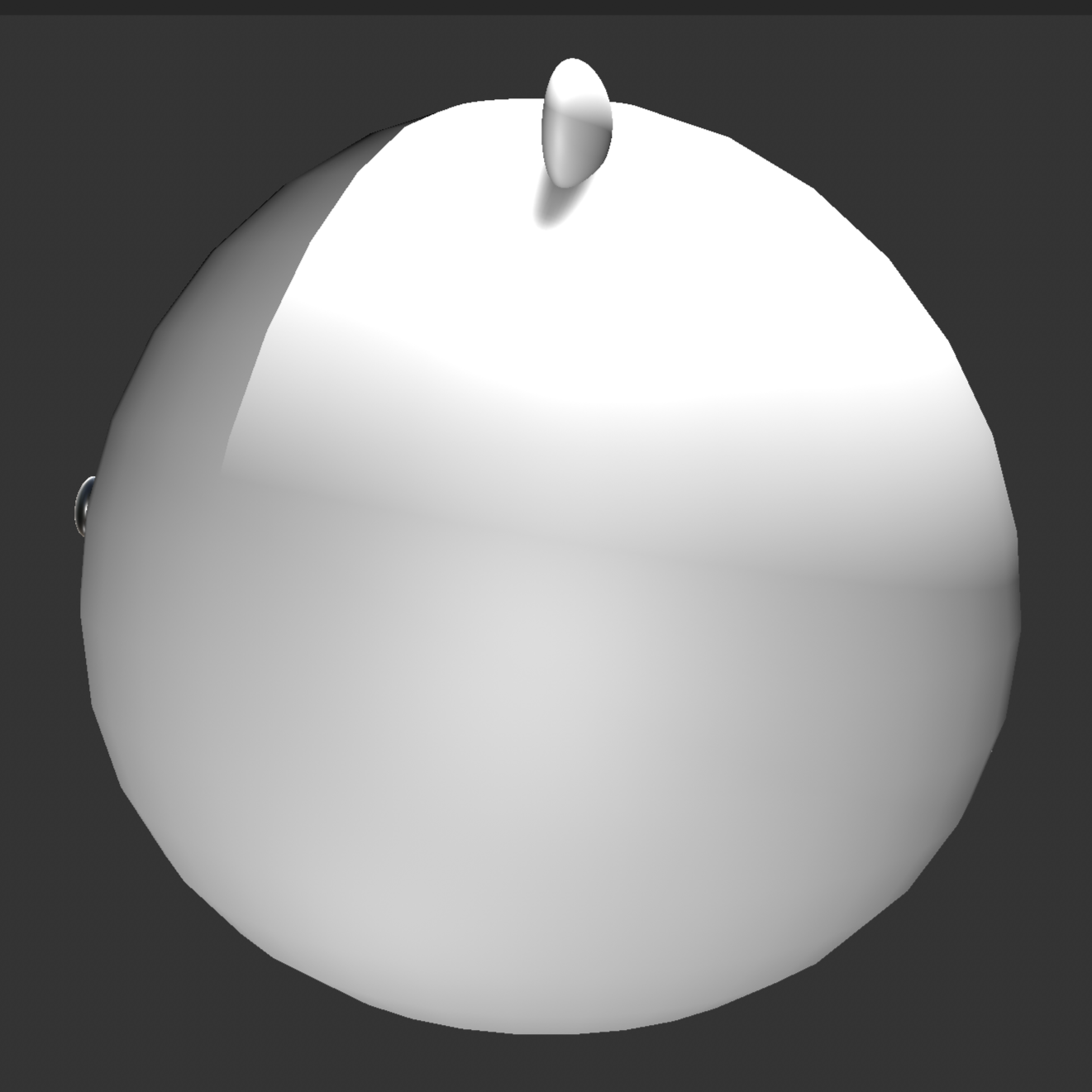
In Design Challenge 1, I explored everyday objects through photography and introductory 3D modeling. I documented objects with primitive and complex forms, learned the basic tools and navigation in Cinema 4D through a donut tutorial, and then recreated one of my selected objects as a 3D model. The images below show my object studies, modeling process, experiments, and final results.

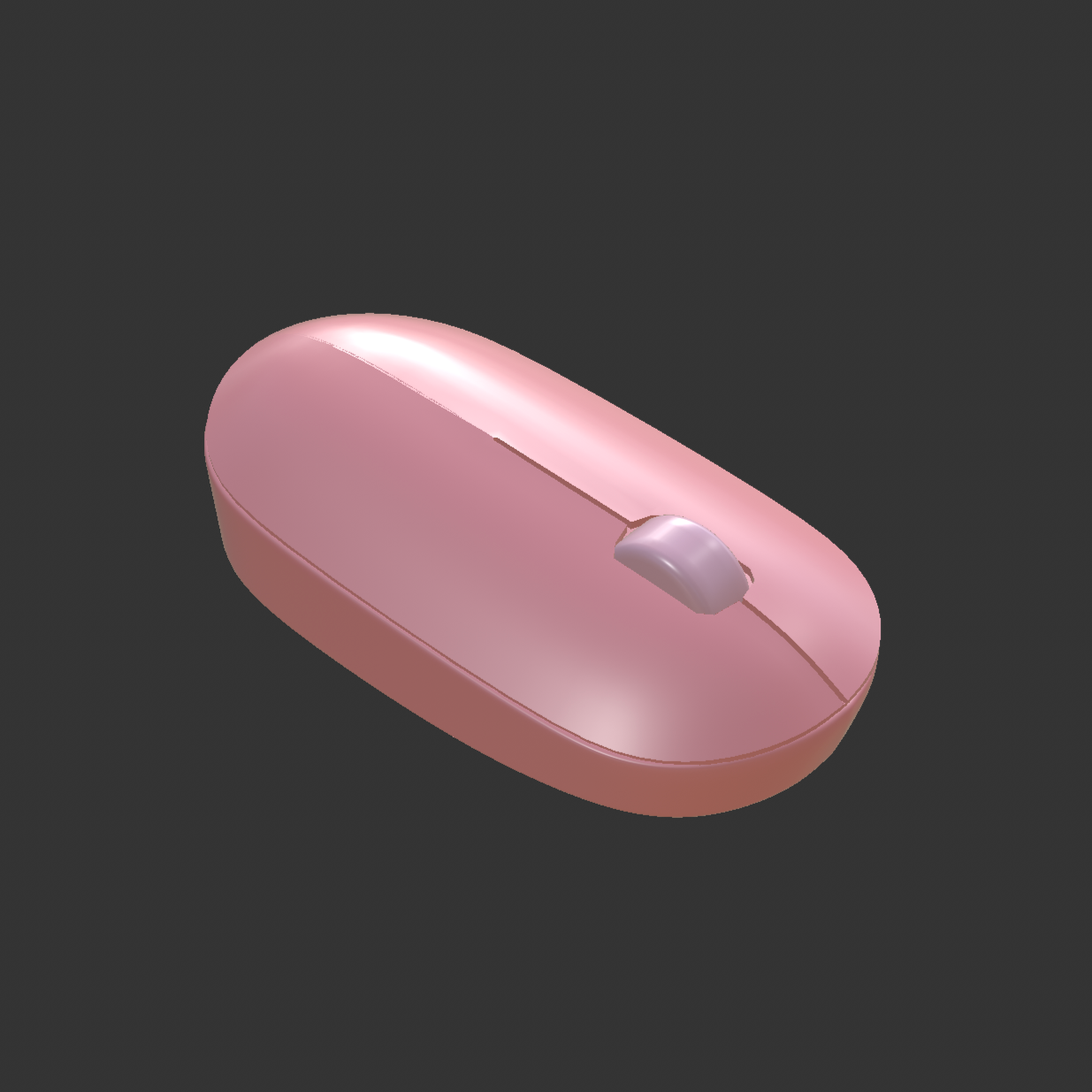
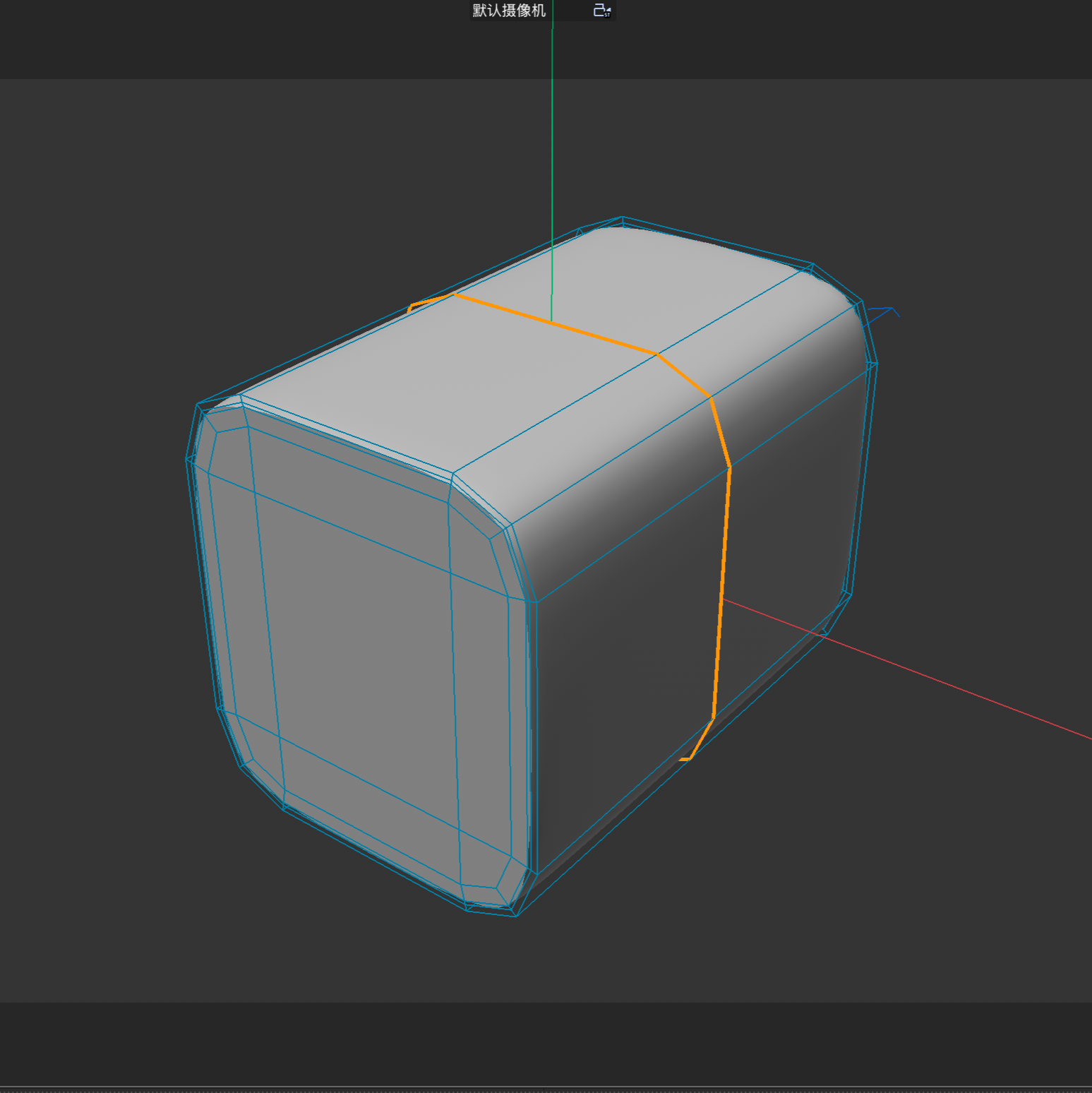
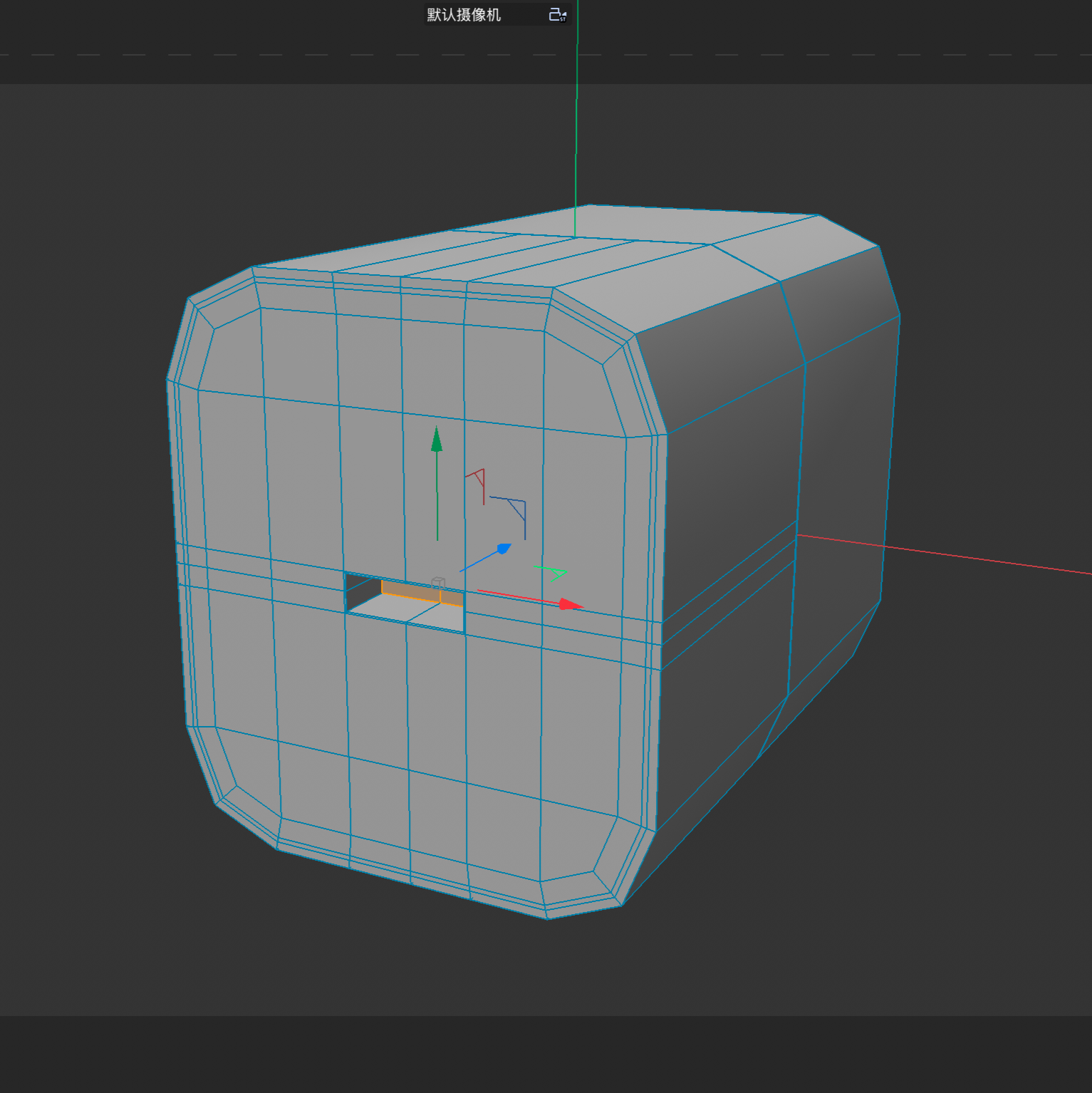
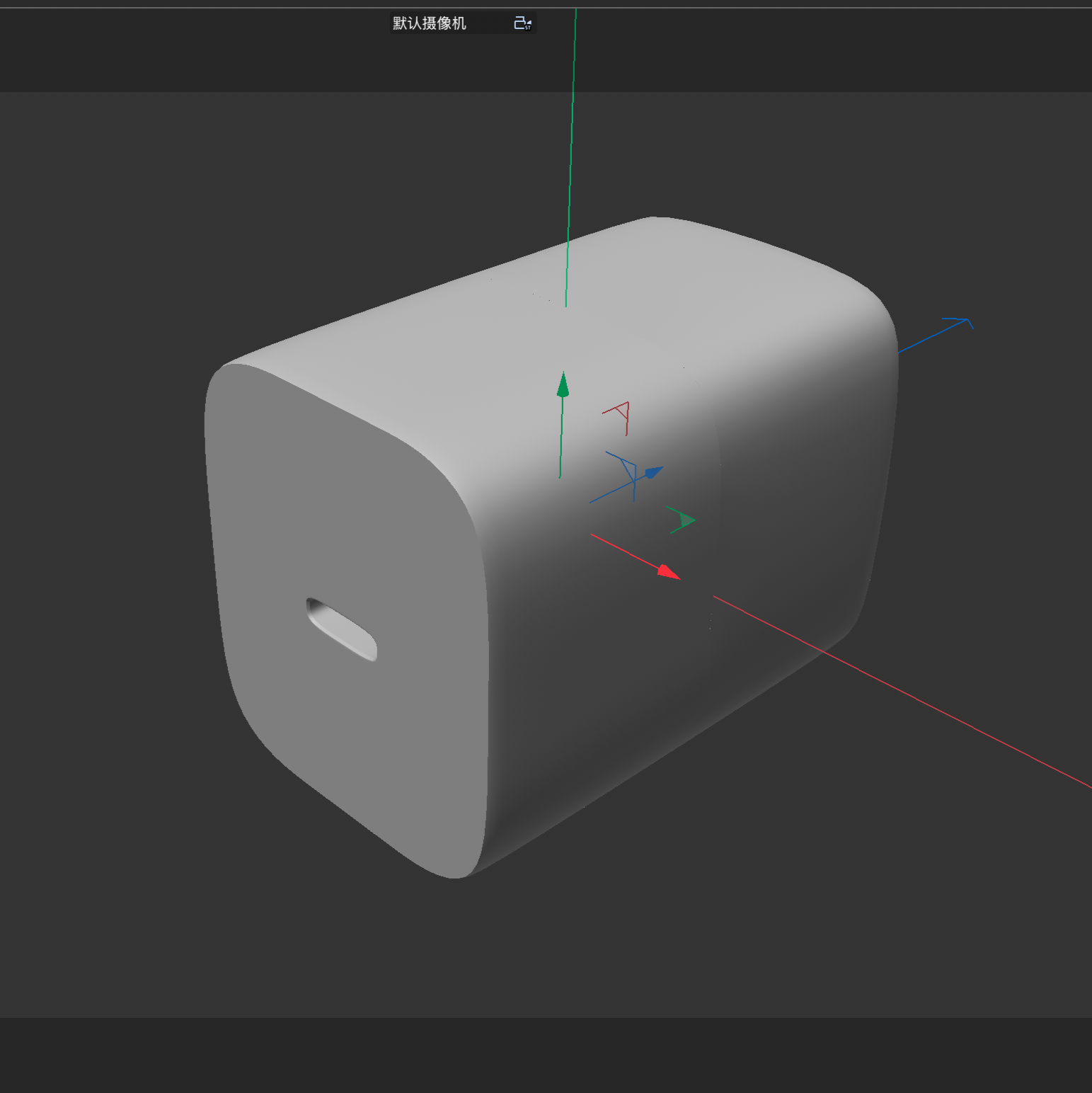
In Design Challenge 2, I continued developing my 3D modelling skills by working with more complex everyday objects. I selected a mouse, charger, and mug as reference objects and used Cinema 4D to recreate their forms. During the process, I practiced polygon modelling, symmetry, extrusion, beveling, subdivision, and shape adjustment. I also documented different stages of each model, including early experiments, corrections, and final results. This challenge helped me better understand how complex objects can be broken down into simpler forms and gradually developed into detailed 3D models.

Donut Tutorial: View Tutorial
Plush Toy Tutorial: View Tutorial

Mouse Tutorial: View Tutorial
Charger Tutorial: View Tutorial
Mug Tutorial: View Tutorial

Design Challenge 1

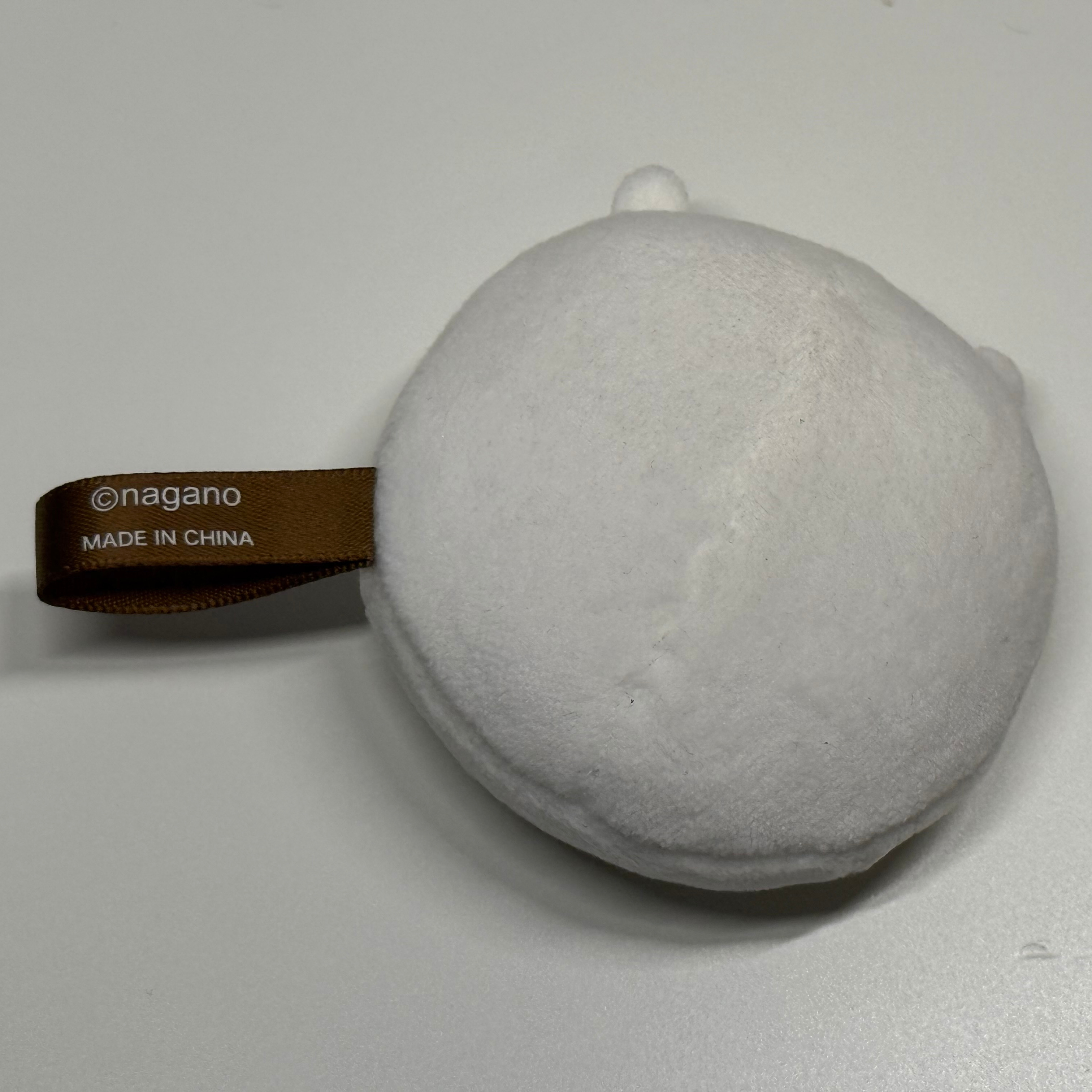
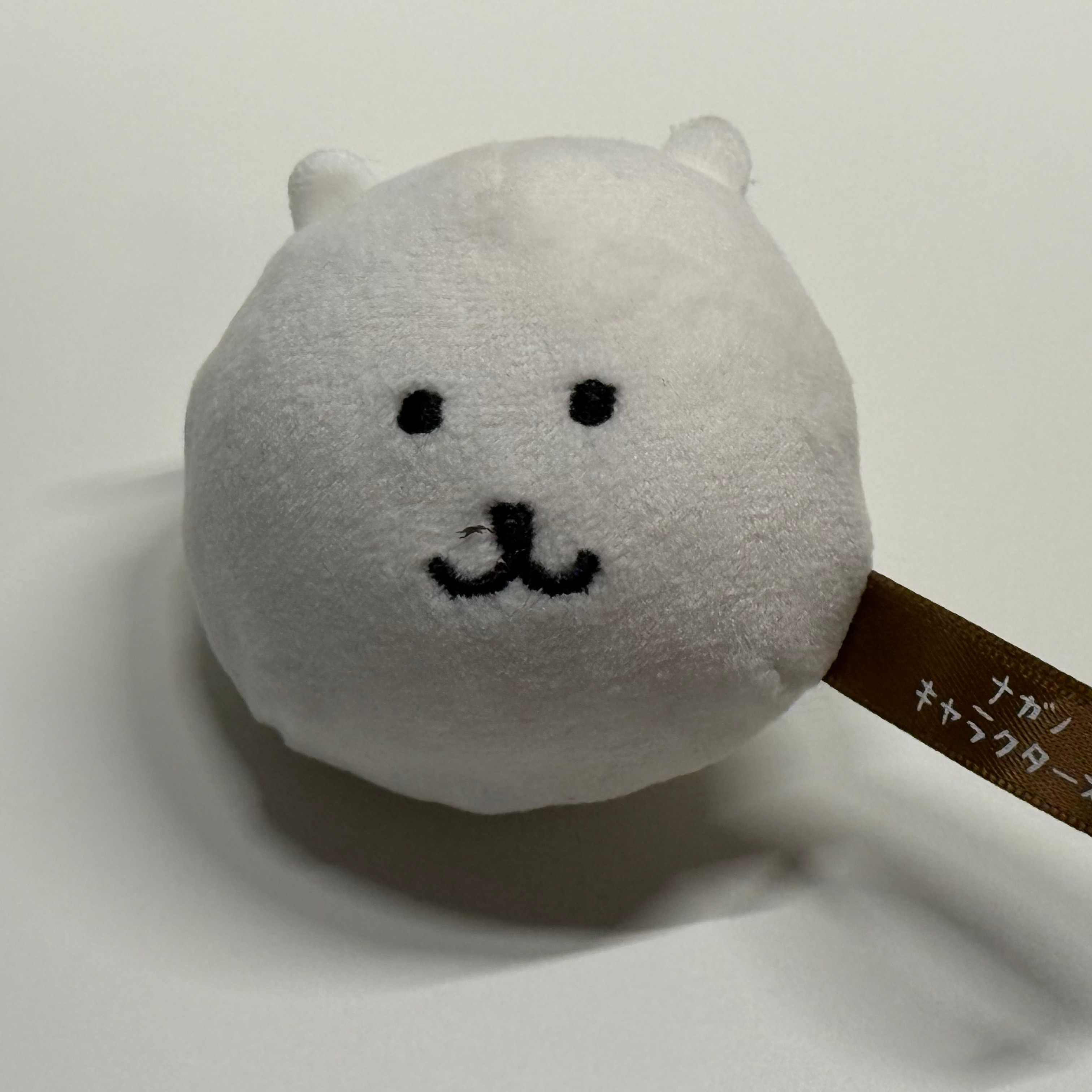
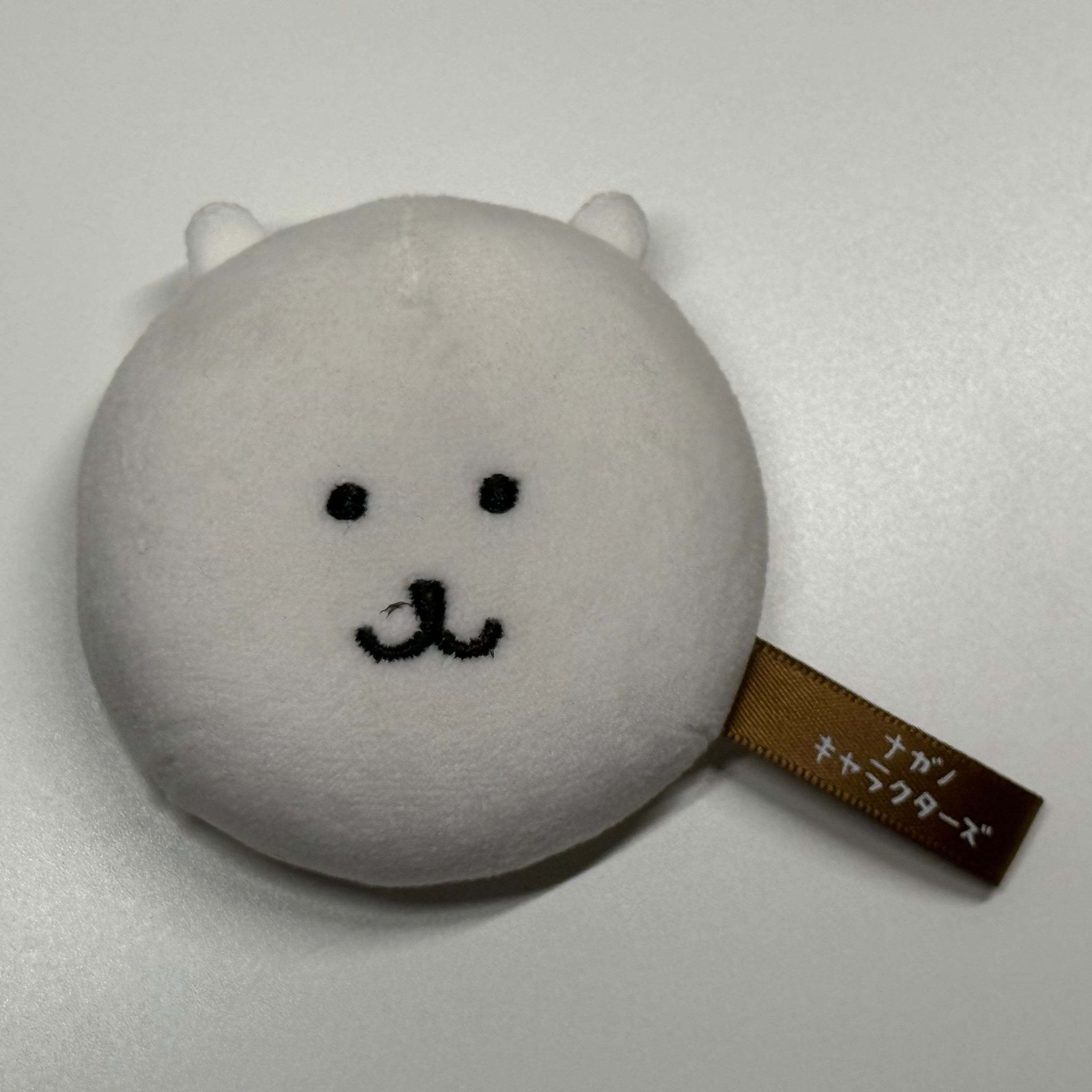
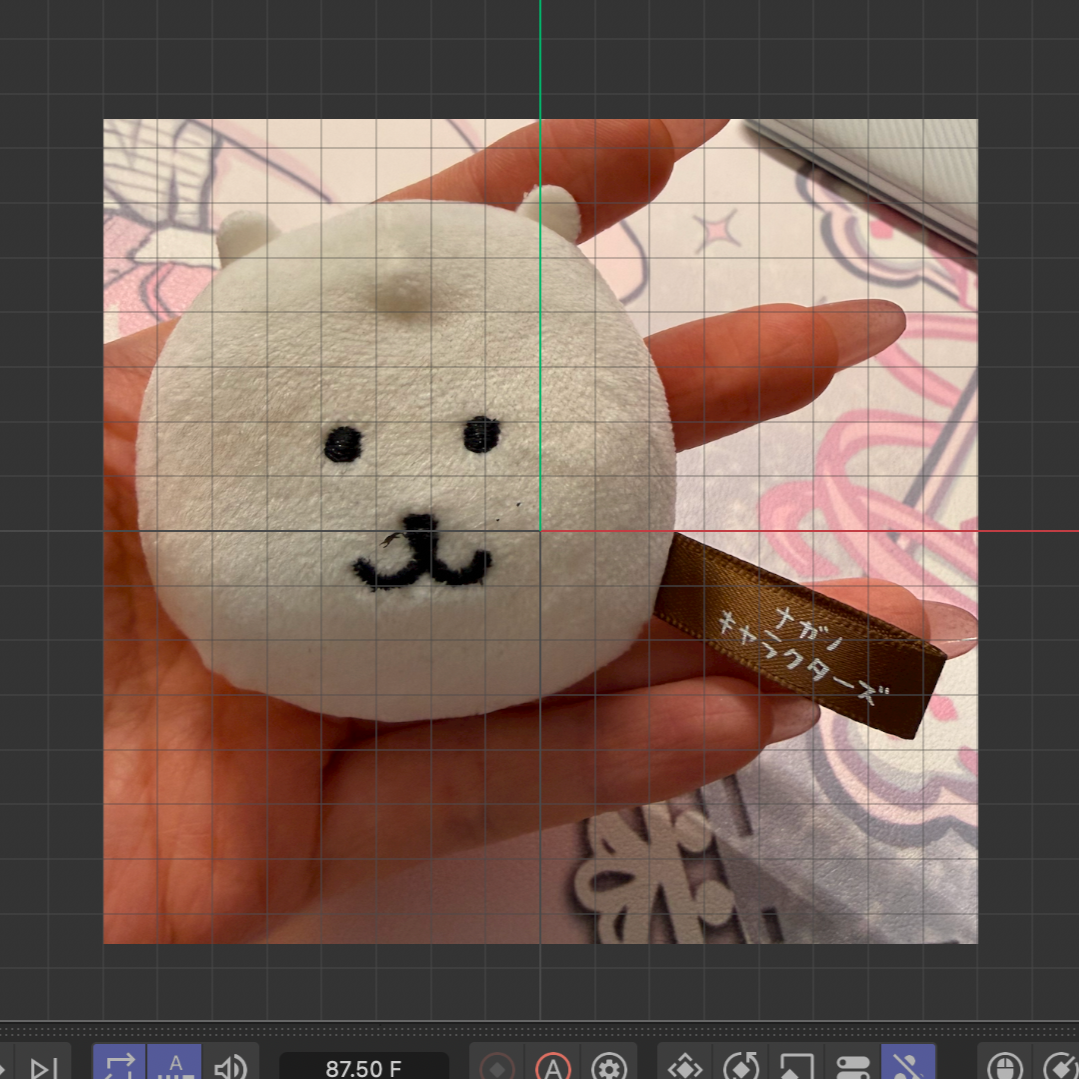
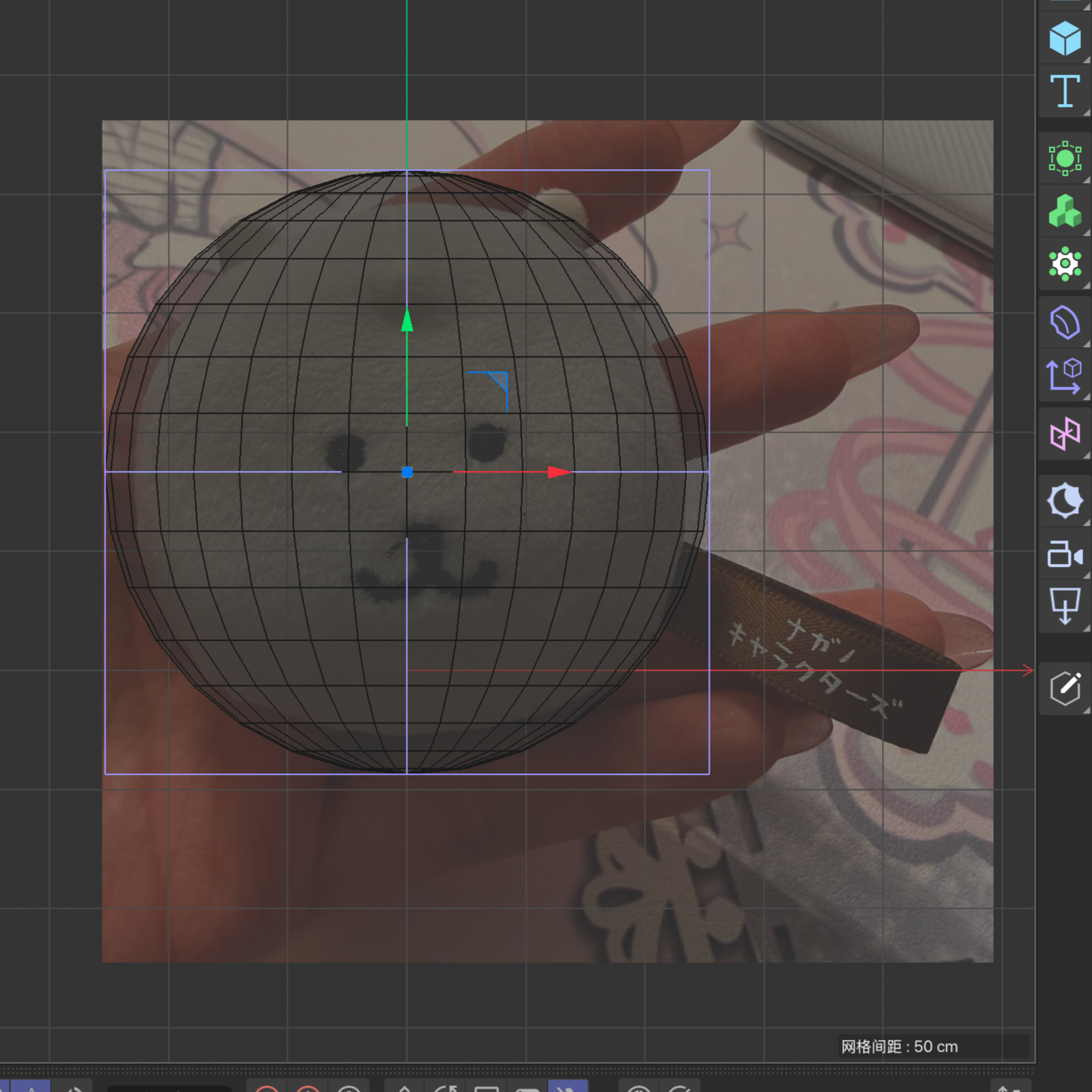
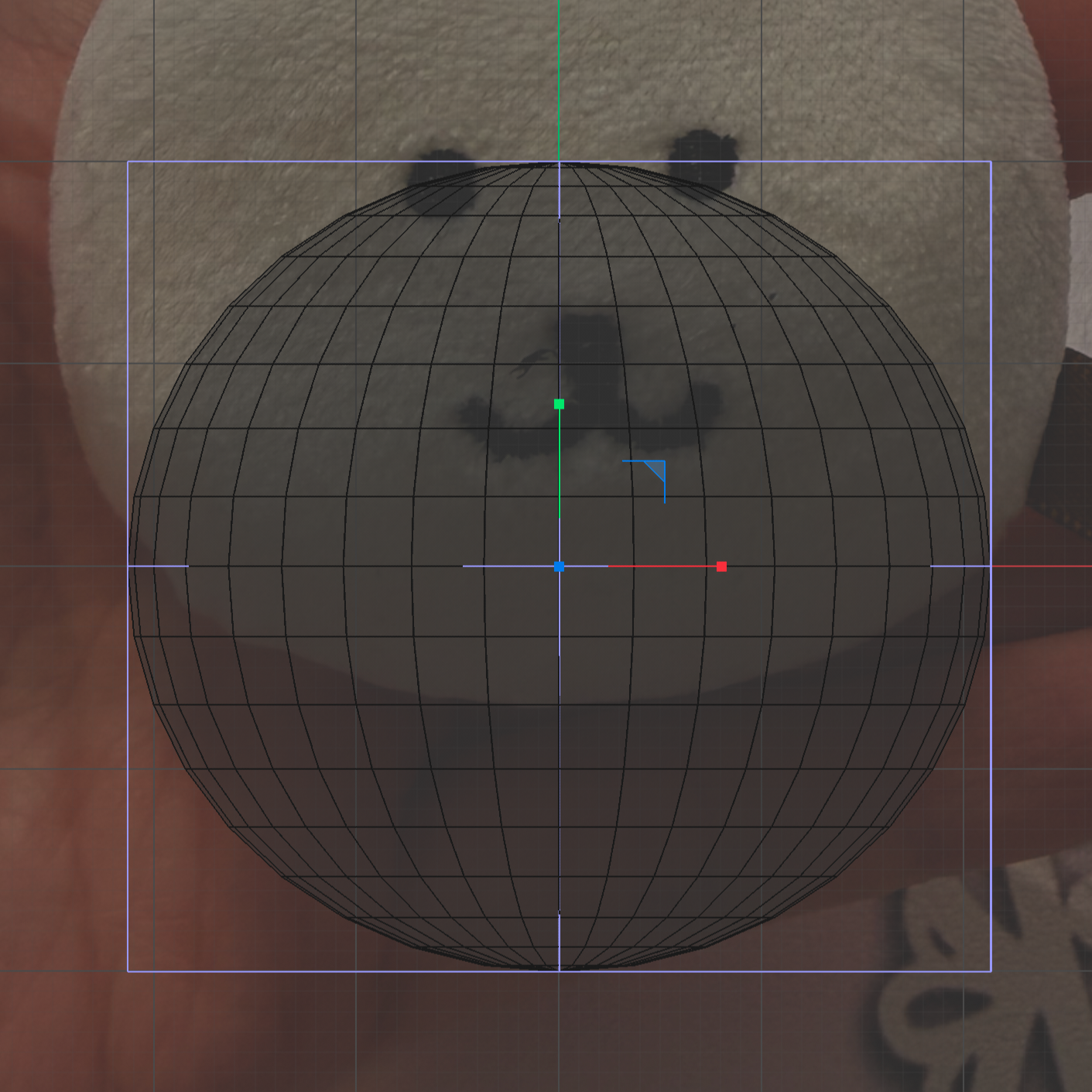
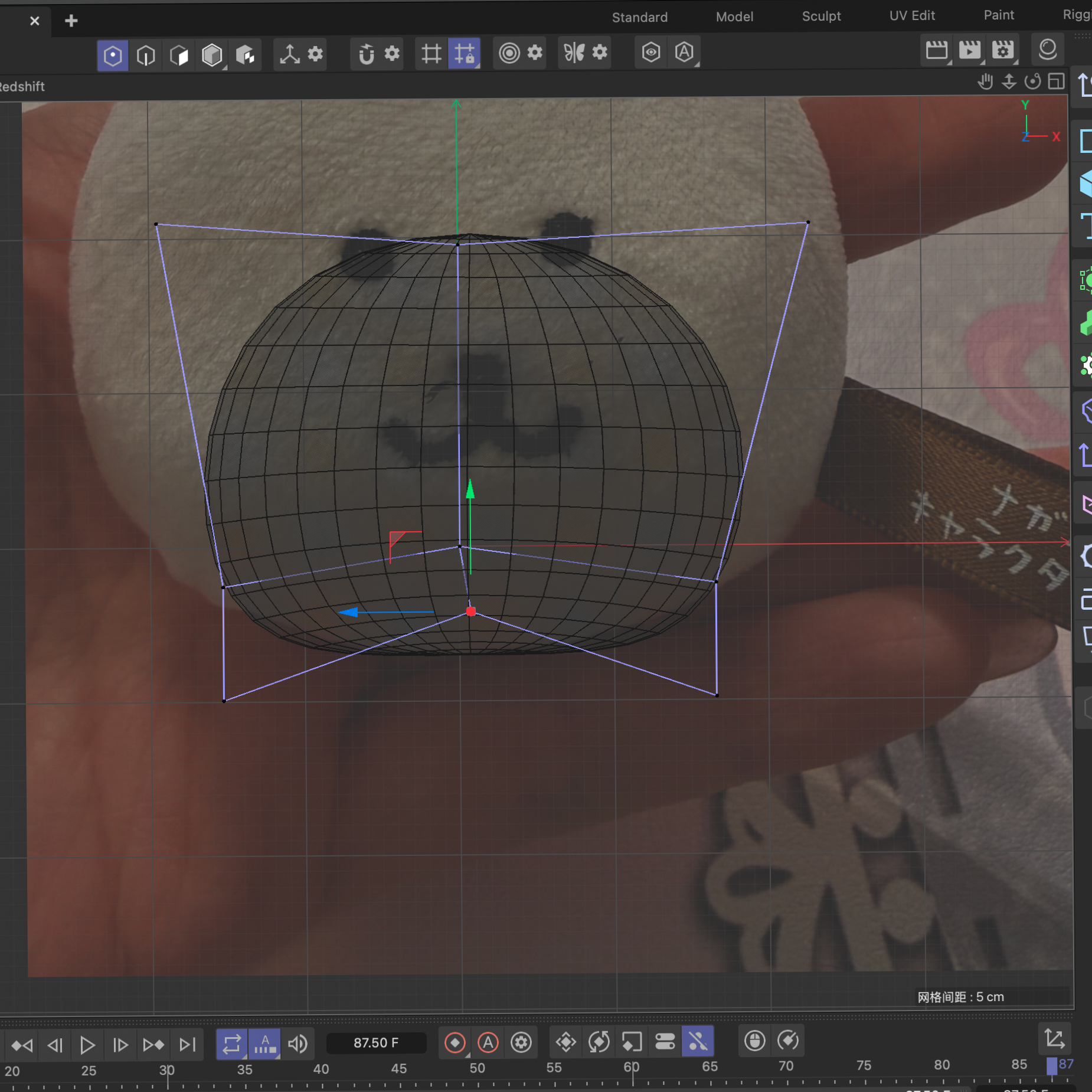
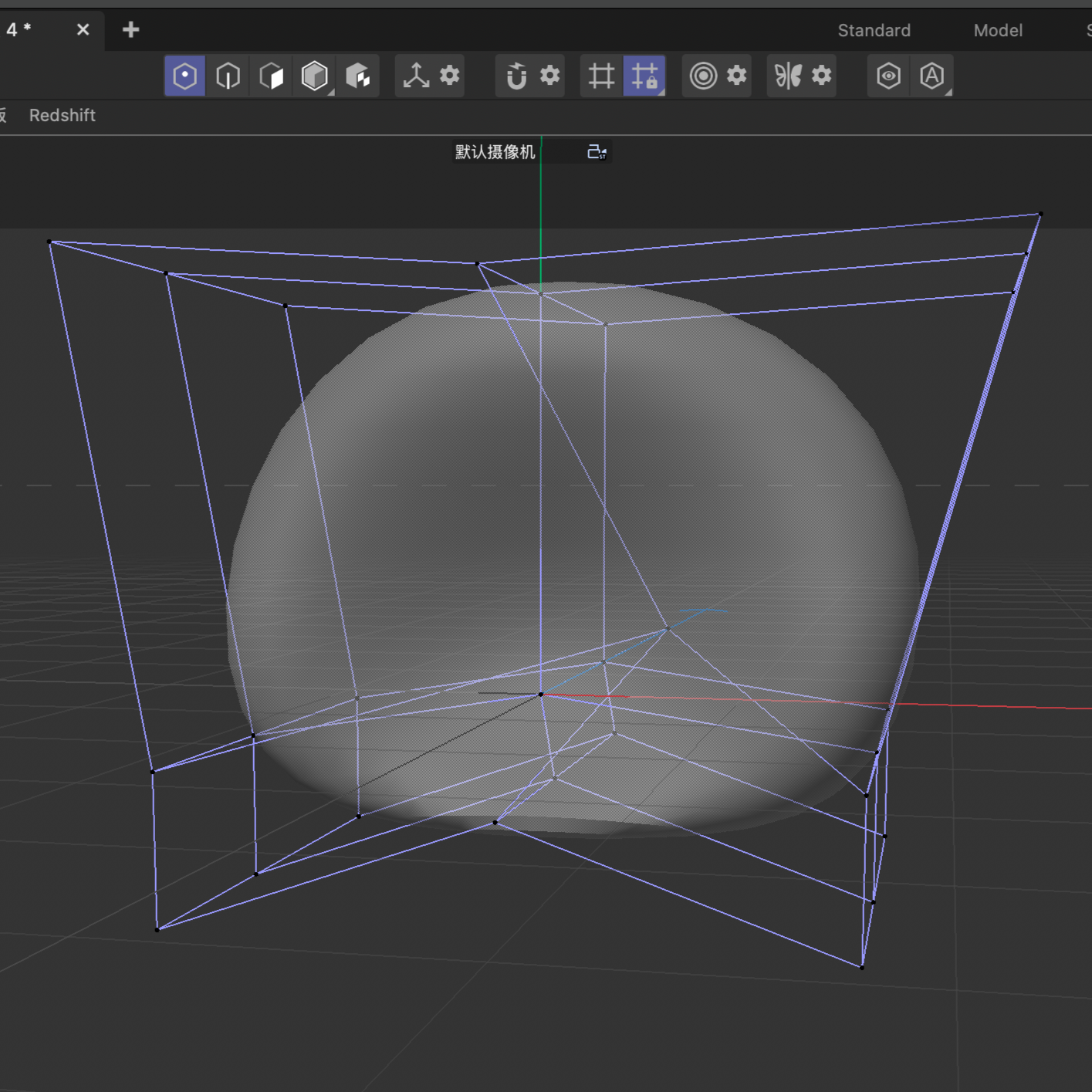
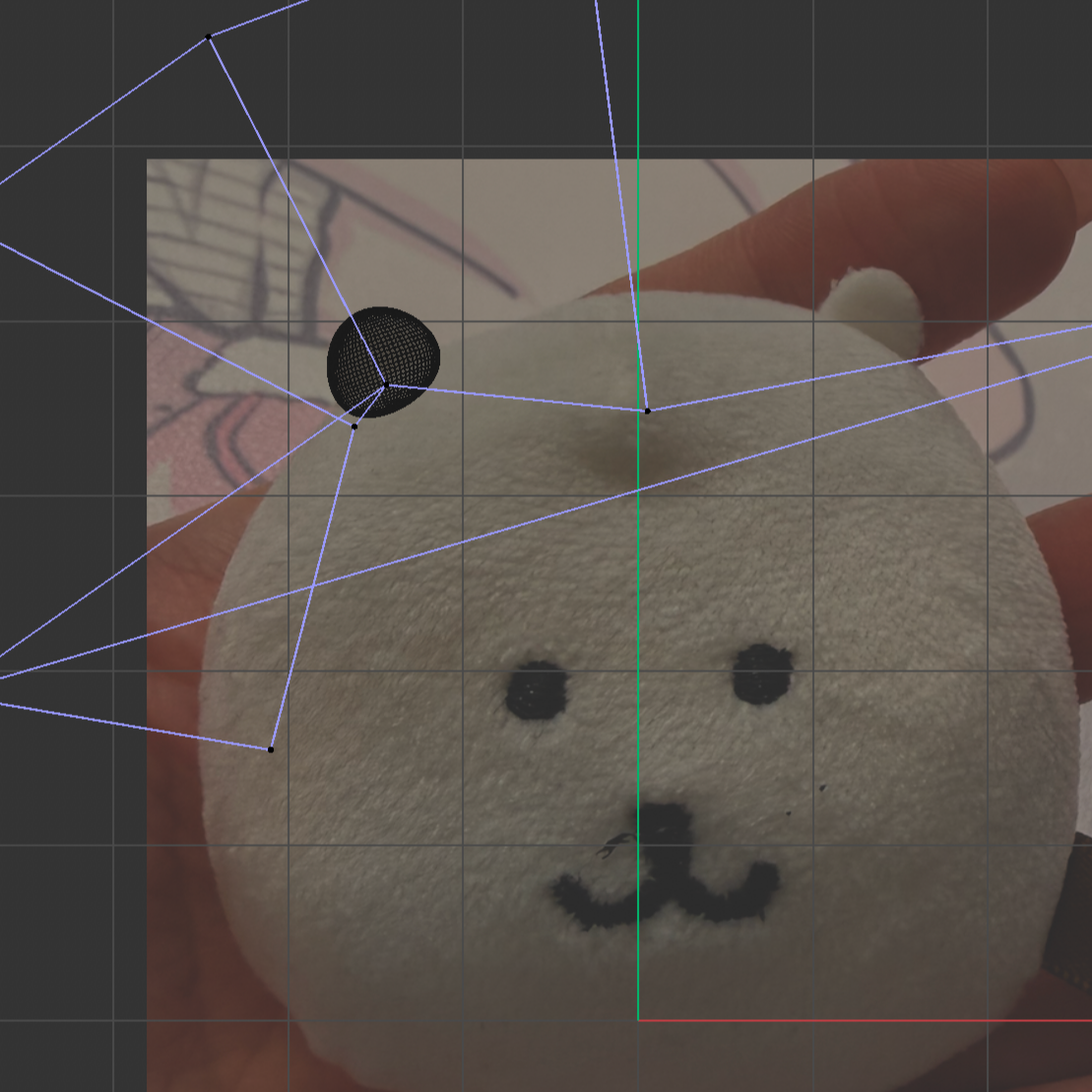
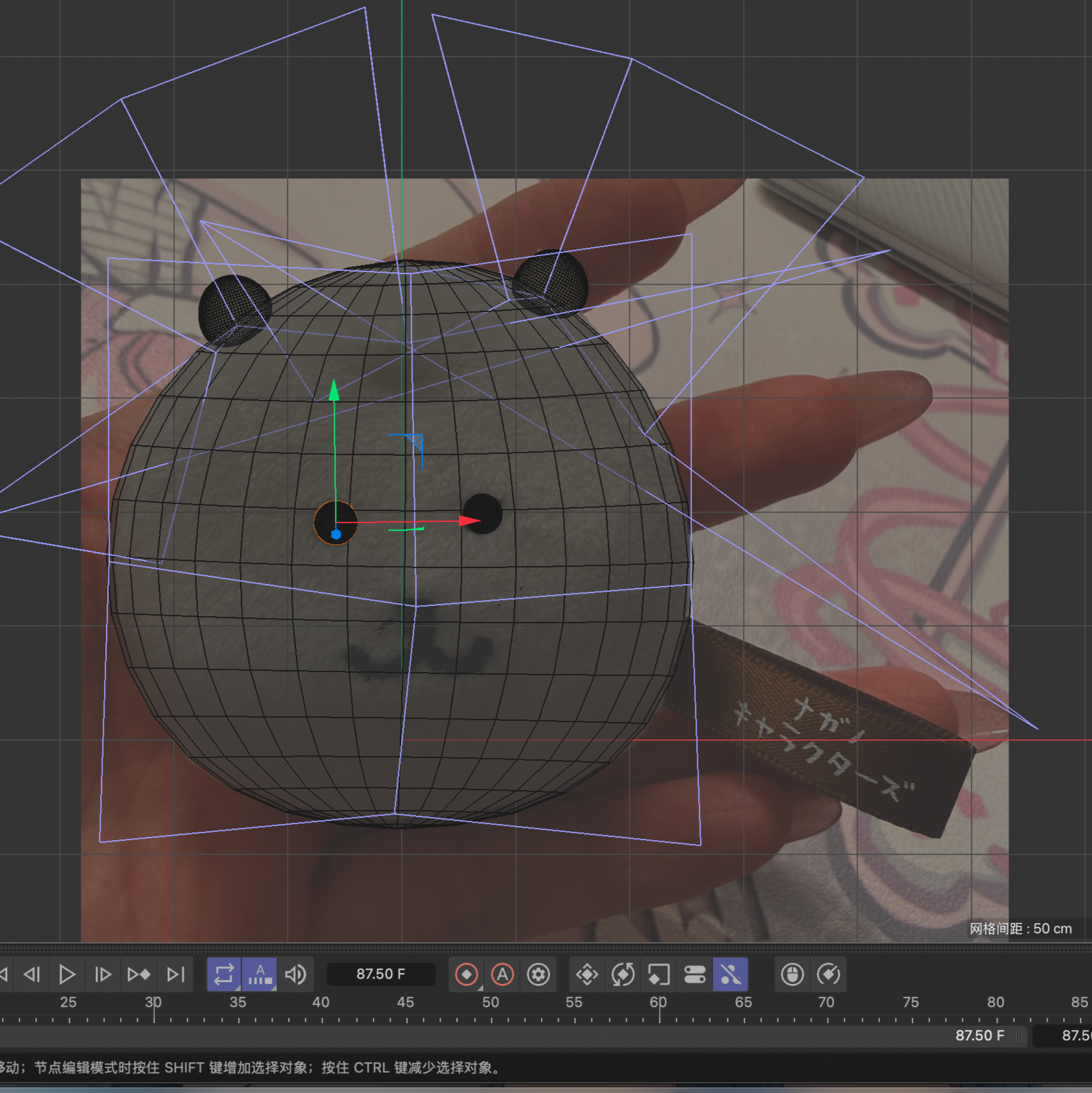
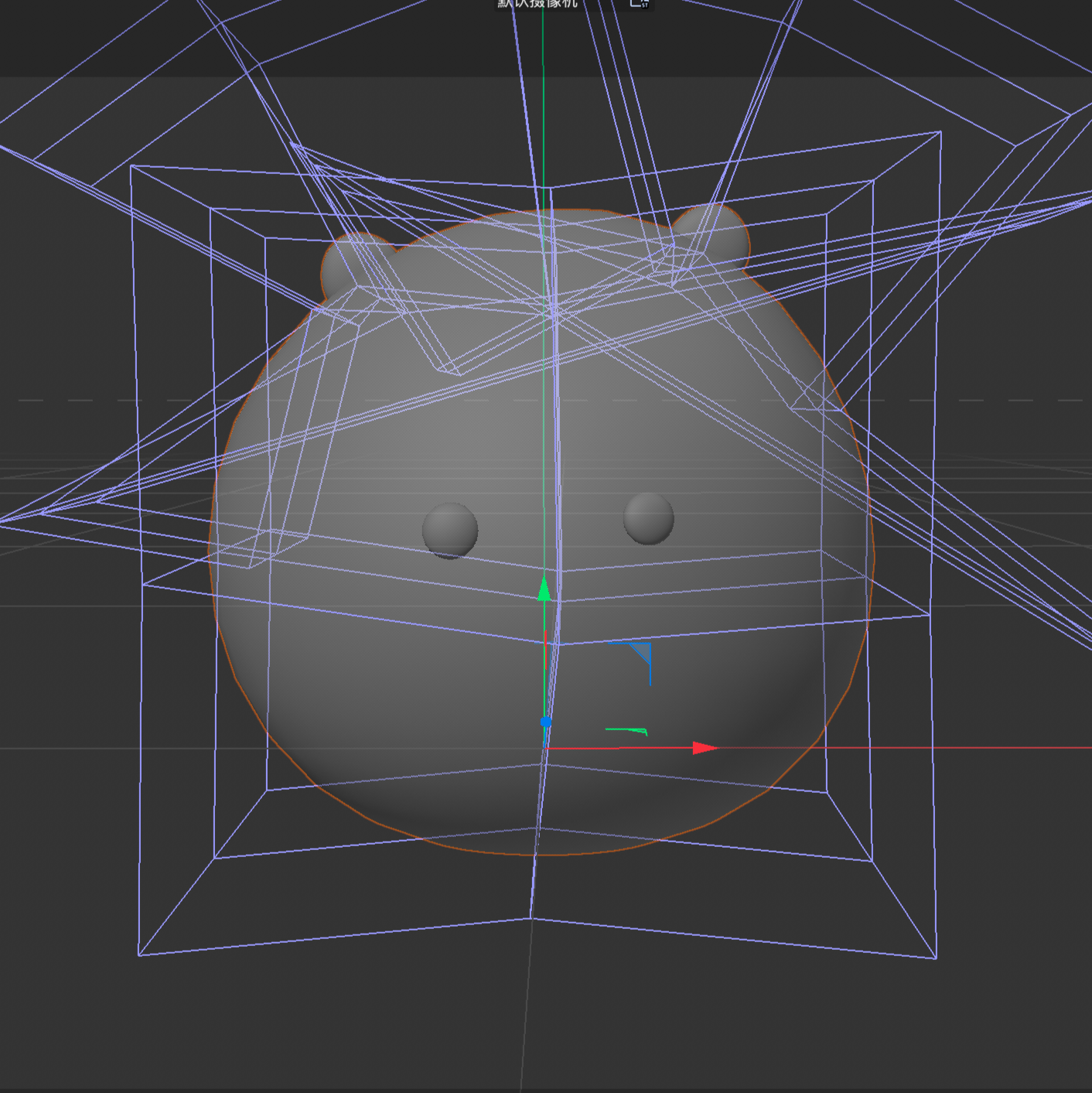
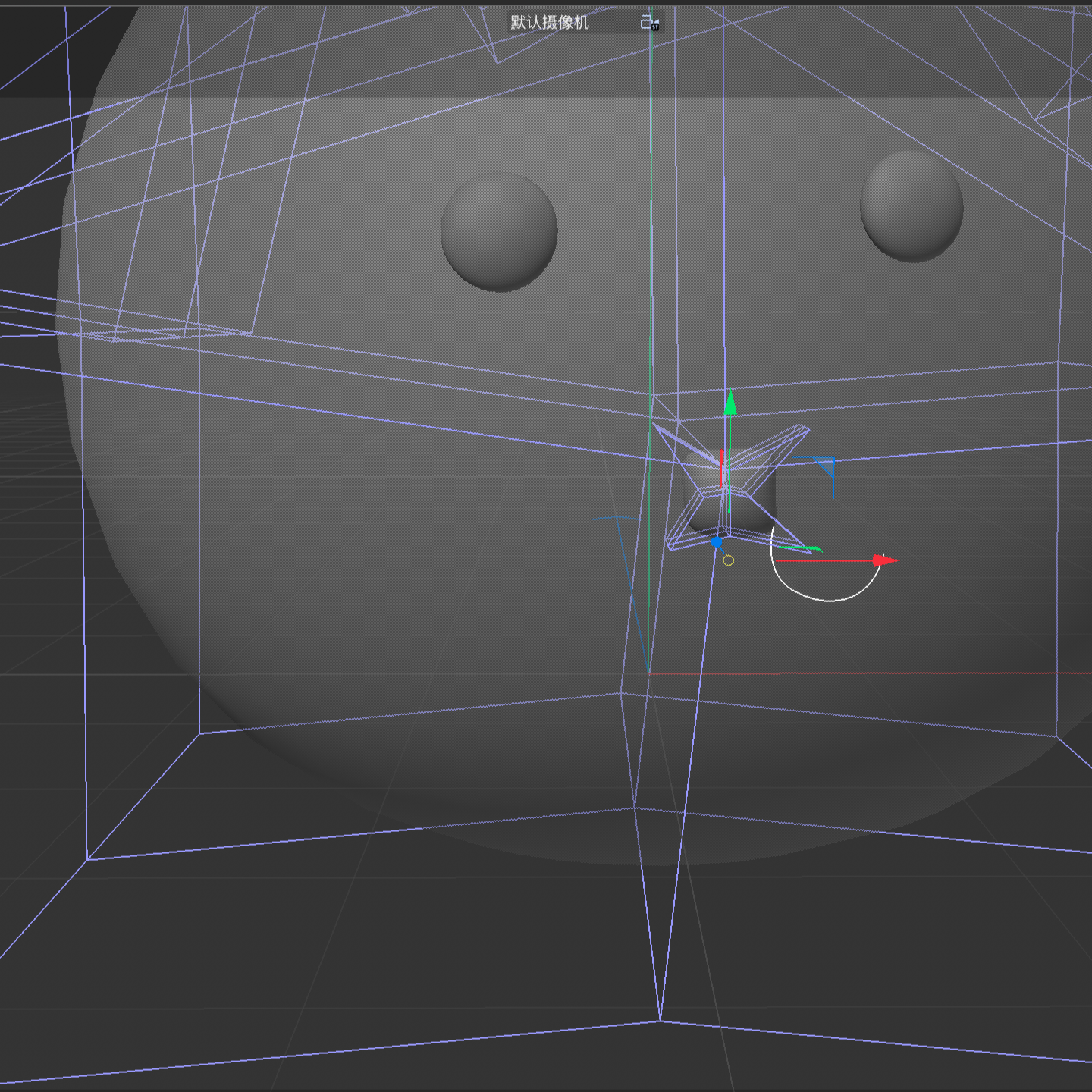
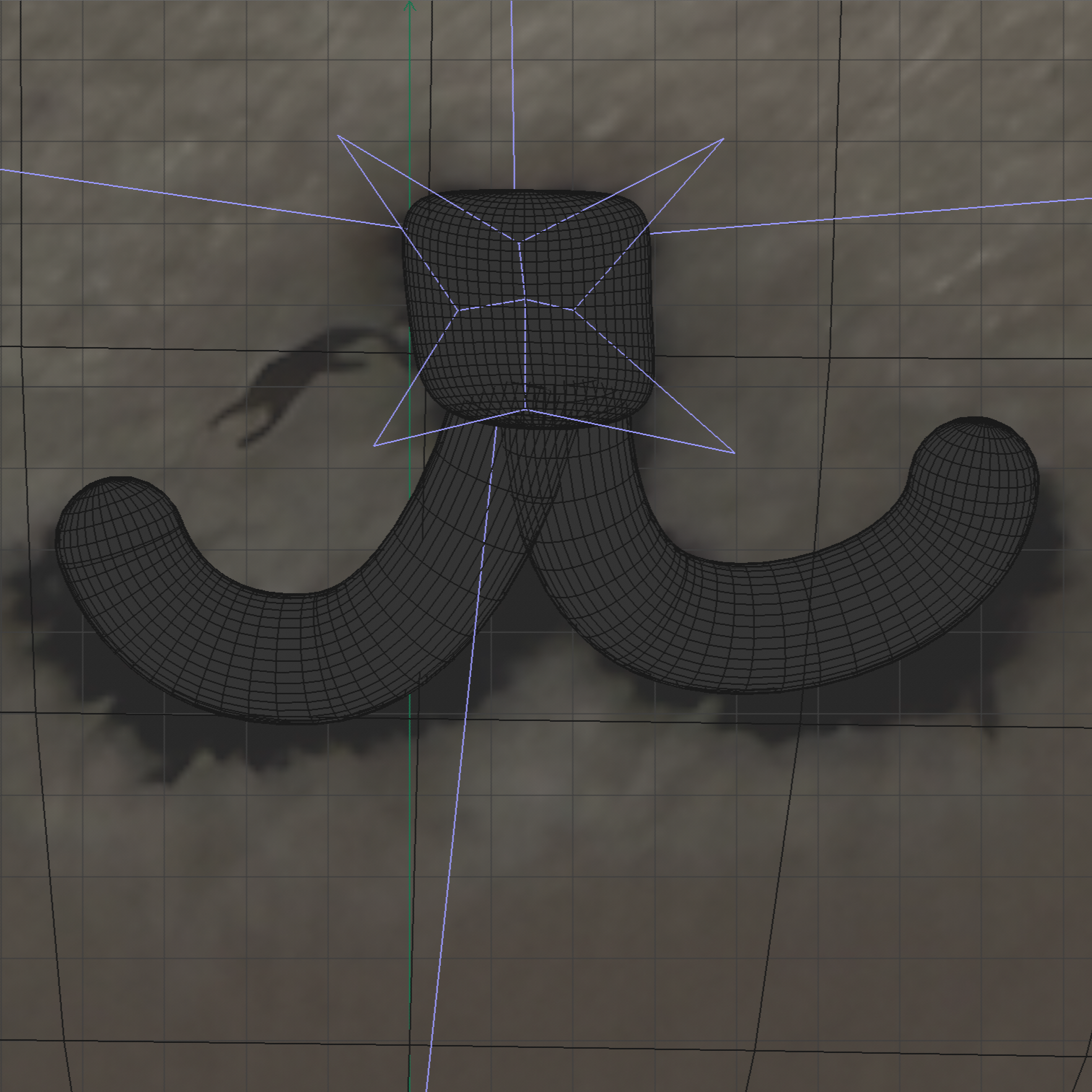
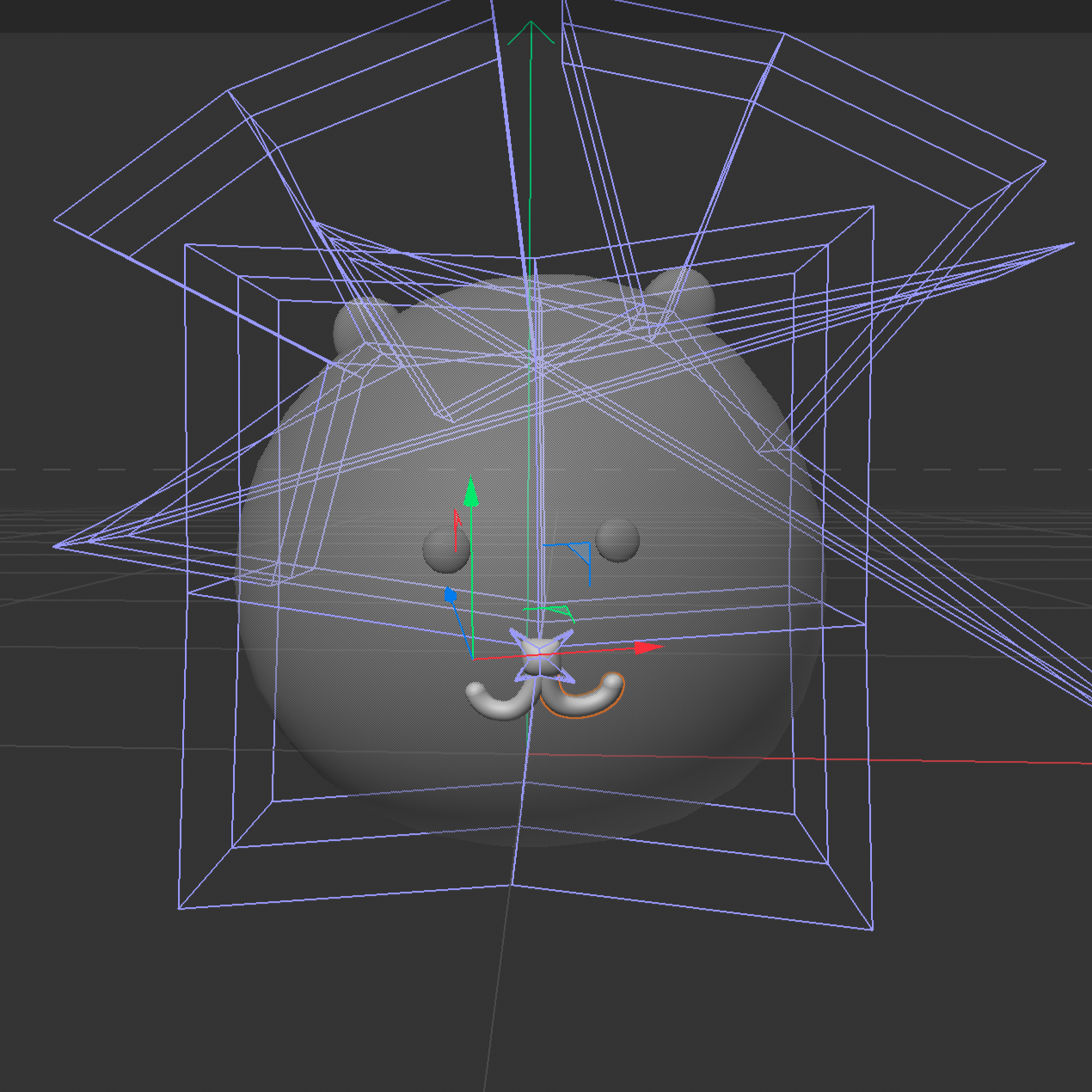
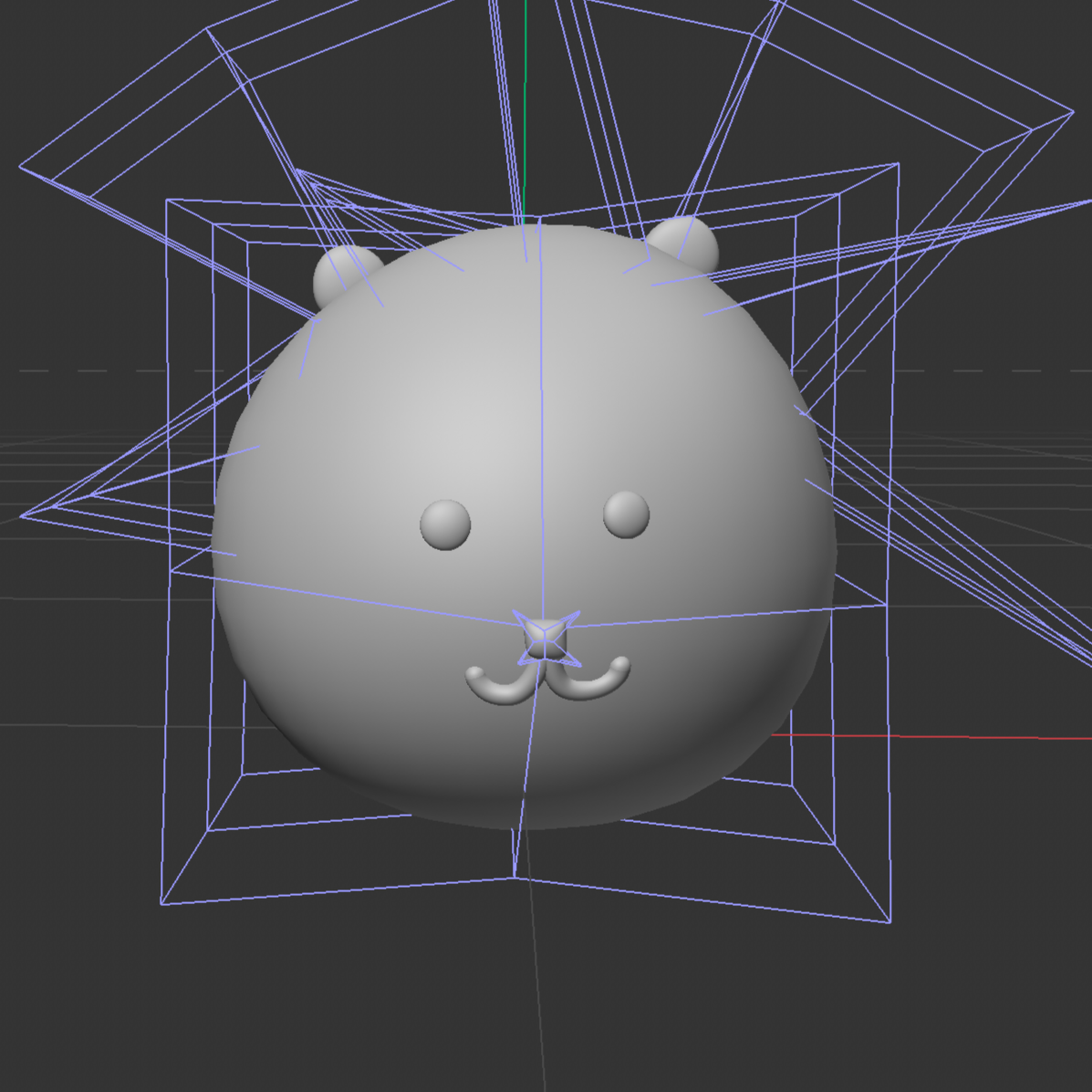
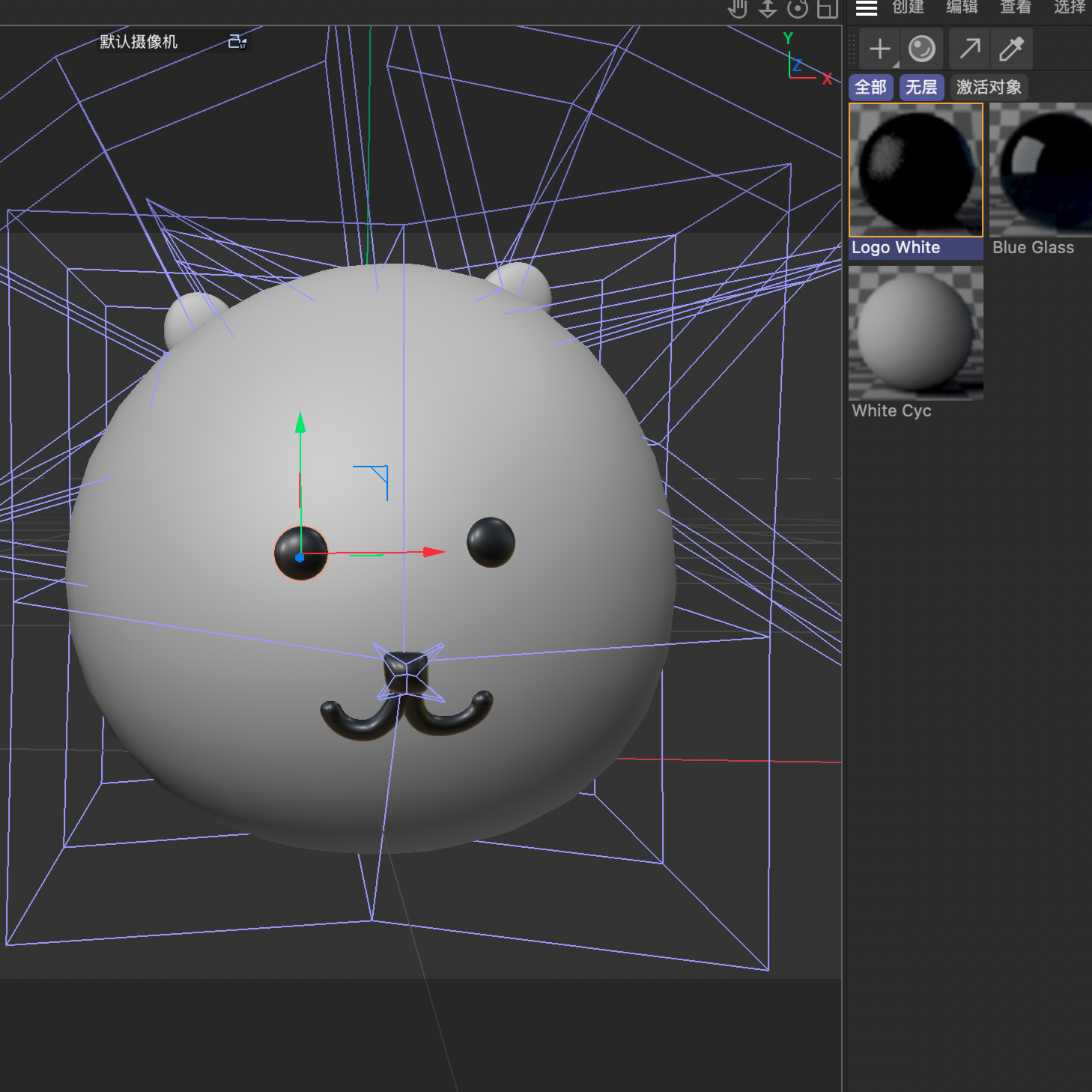
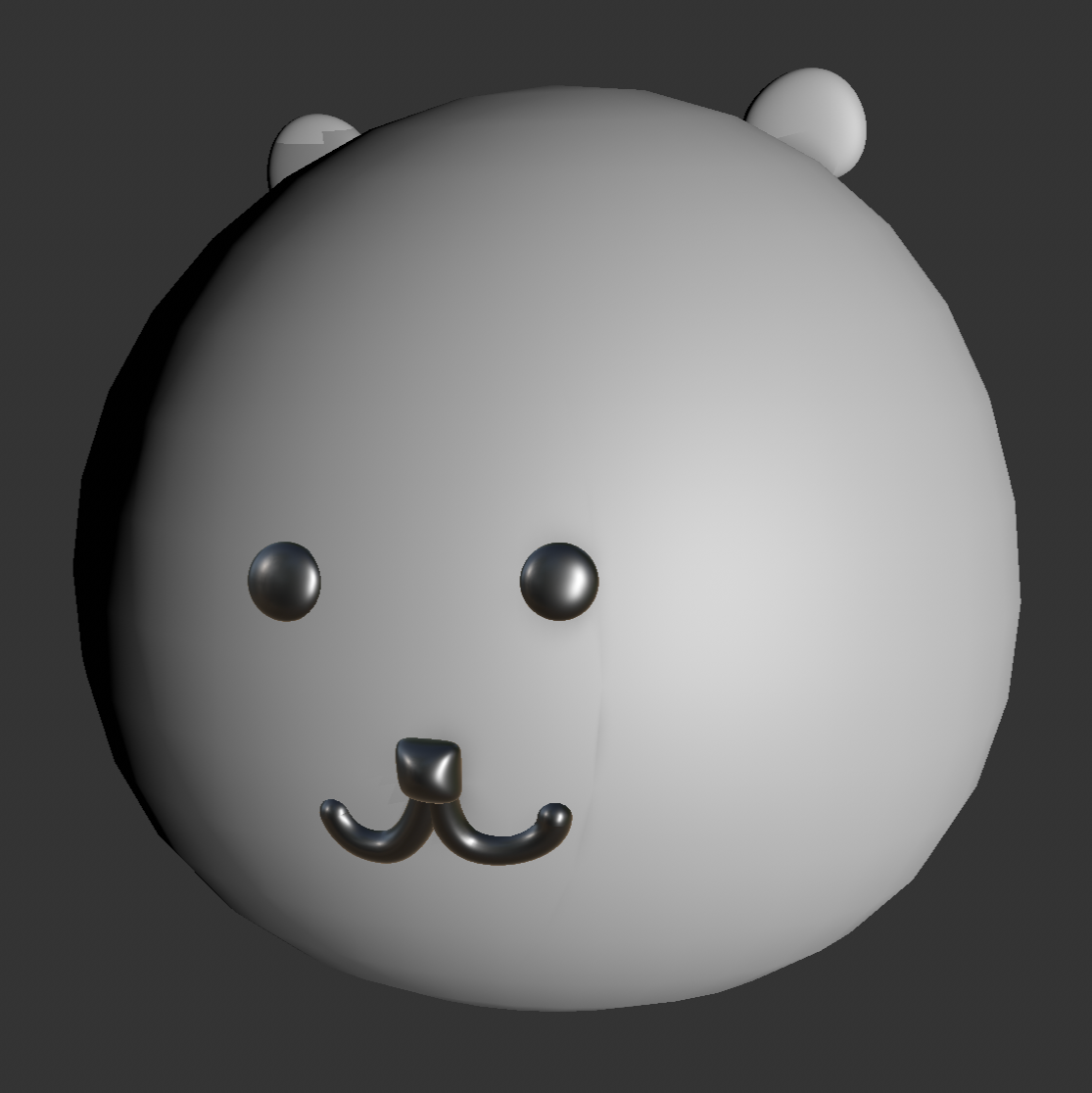
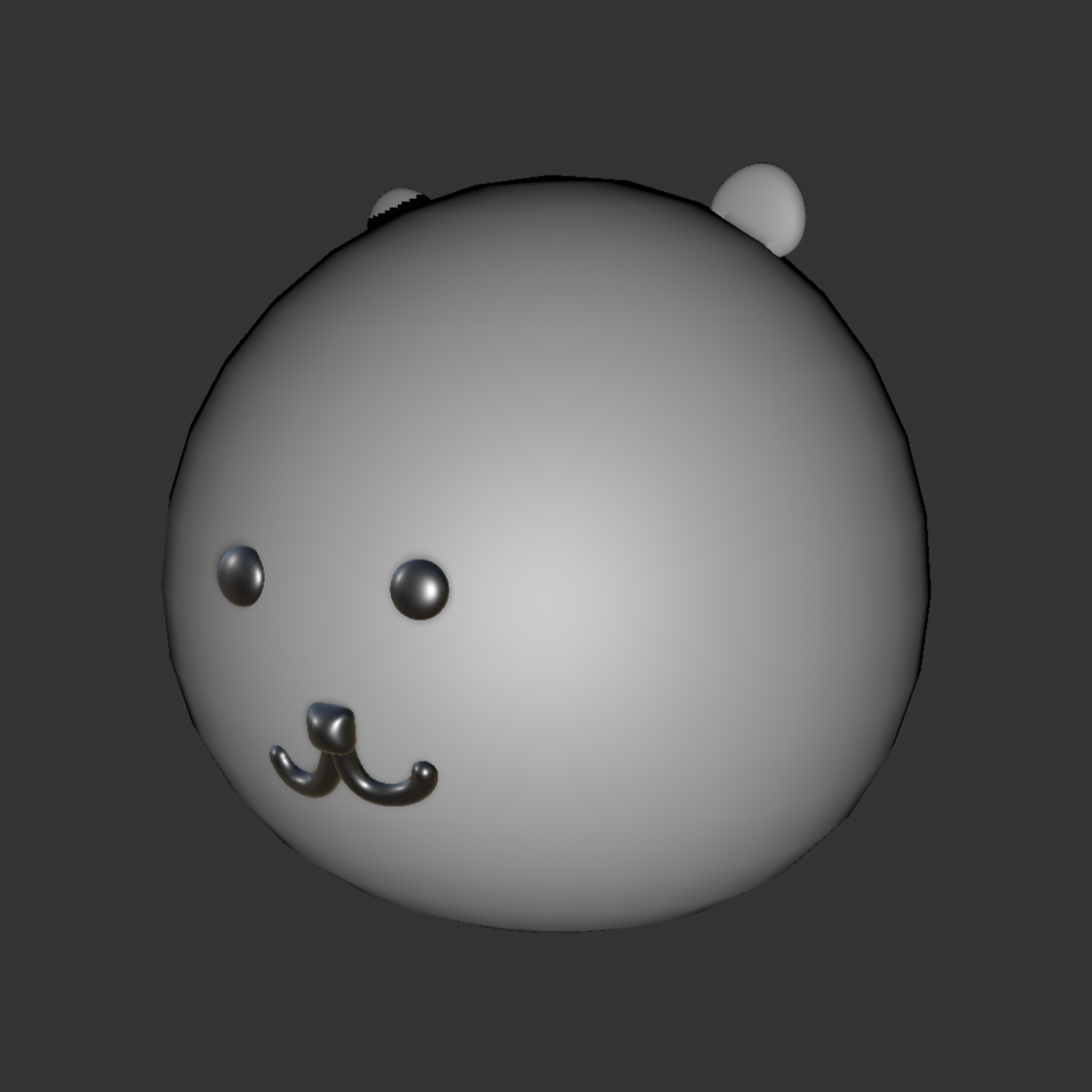
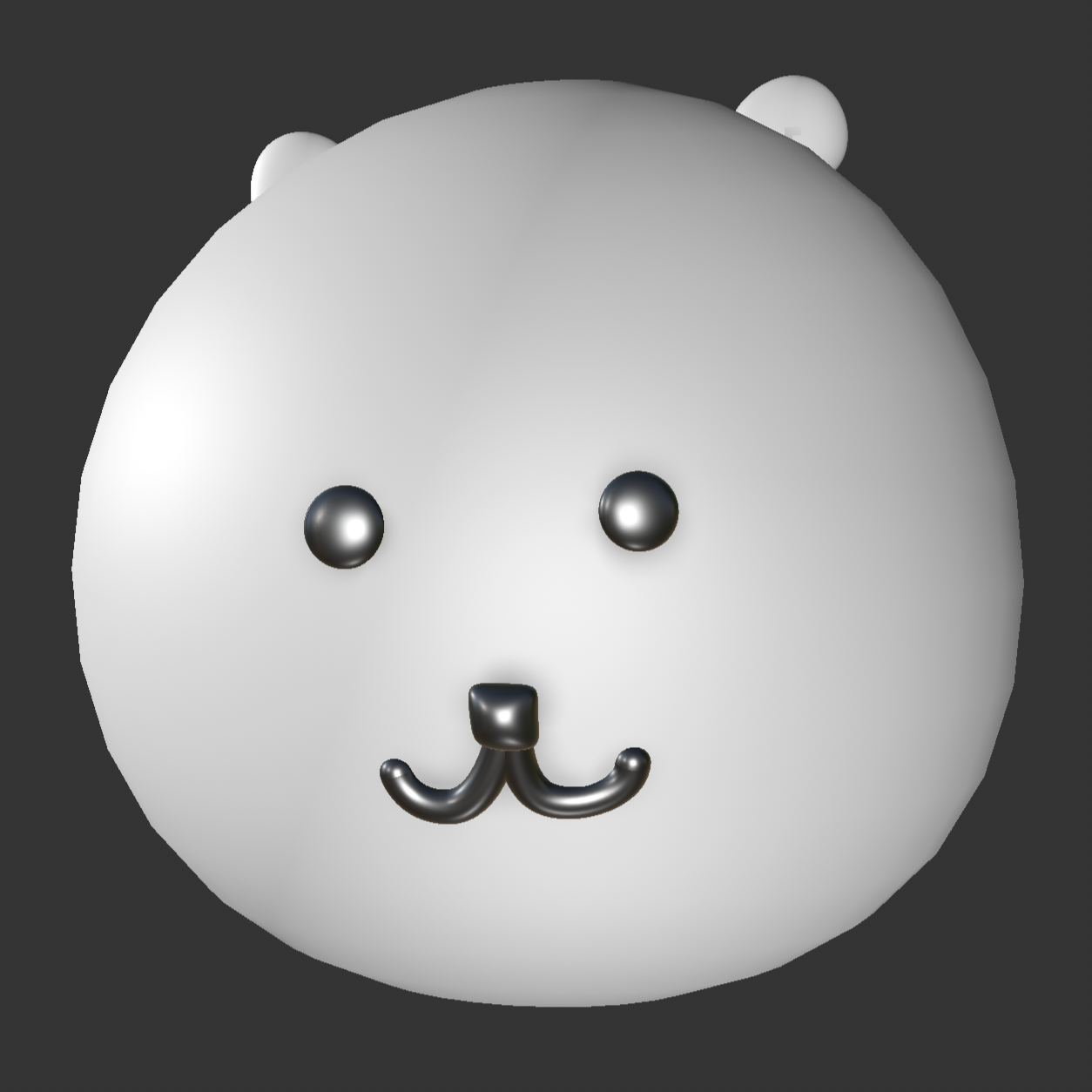
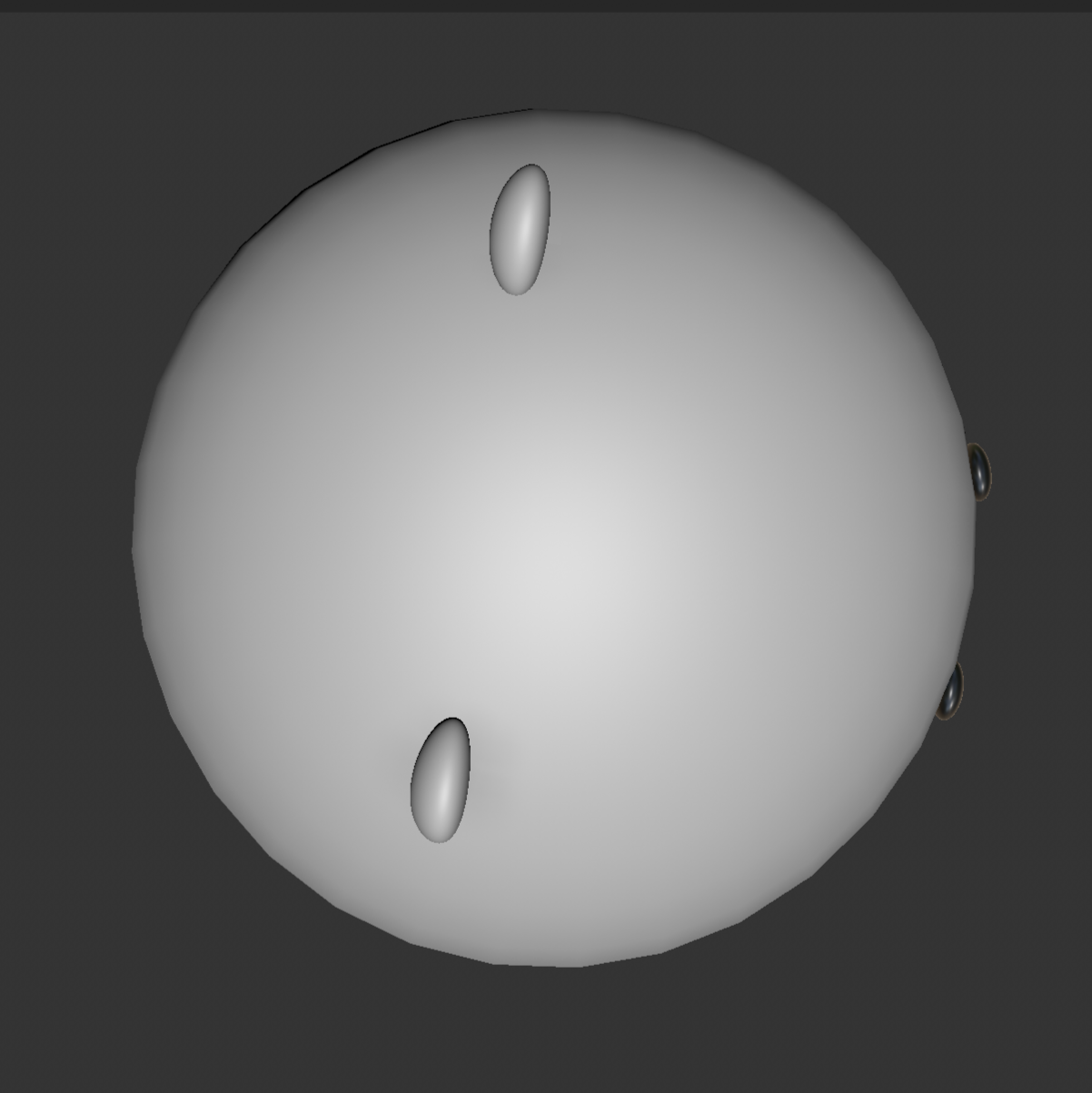
Front three-quarter view of the white plush toy Back view of the plush toy showing its fabric tag Front view of the plush toy with face and tag Angled front view of the plush toy on a white surface Plush toy reference photo imported into Cinema 4D Sphere placed over the reference image to begin modeling Sphere scaled to match the plush toy body FFD deformer used to reshape the sphere Reshaped plush toy body using an FFD deformer Small sphere positioned to create the first ear Adding and positioning the second ear Plush toy model with ears and eyes added Adjusting the facial features on the 3D model Modeling the curved mouth with splines and Sweep Plush toy model with eyes nose and mouth completed Refining the face and proportions of the plush toy model Applying dark materials to the eyes nose and mouth Rendered front view of the completed plush toy model Rendered plush toy model with soft side lighting Bright front render of the completed plush toy model PTop view of the 3D model showing the ears Three-quarter side render of the plush toy model Opposite three-quarter view of the plush toy model PElevated front view showing the face and both ears Back view of the finished plush toy model

Design Challenge 2
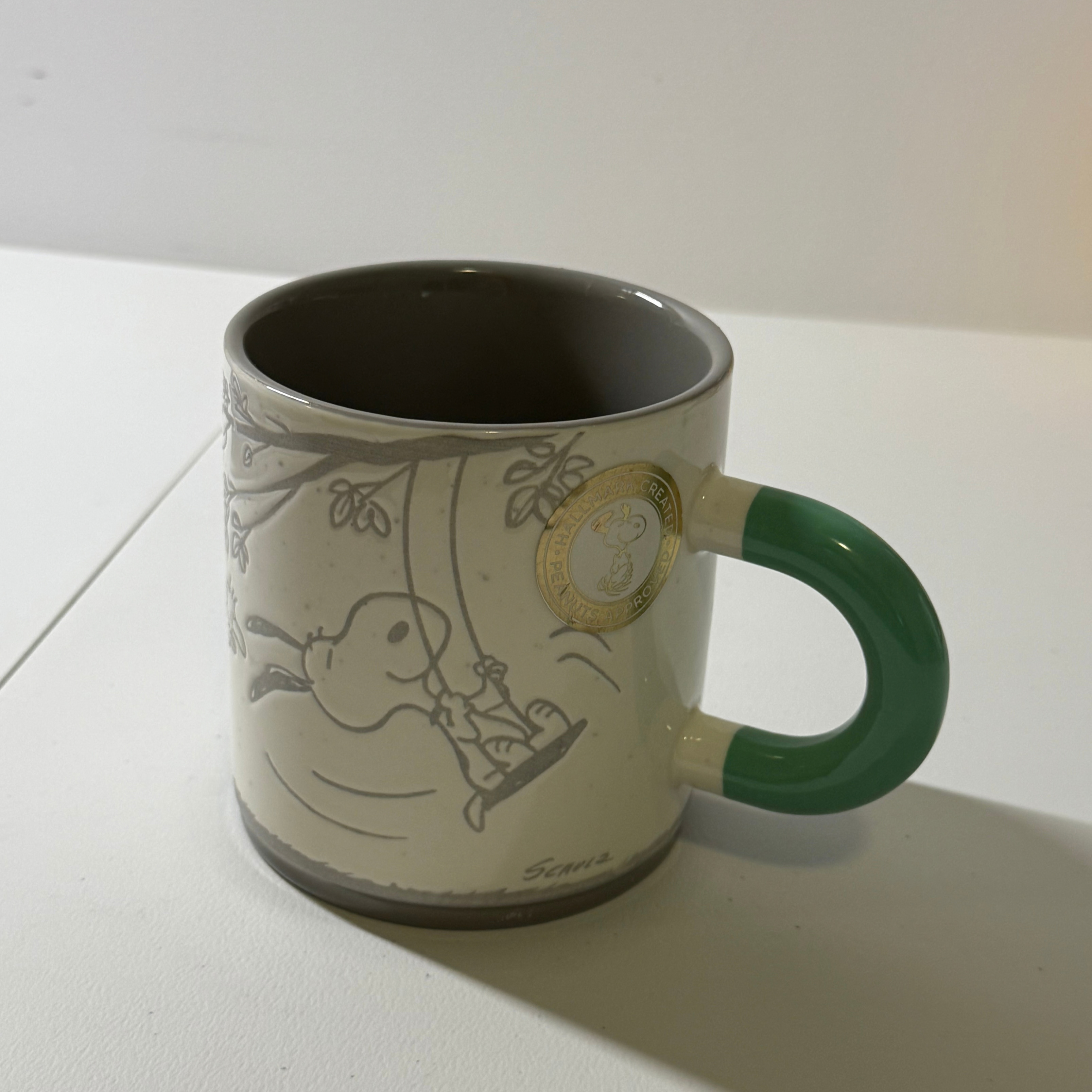
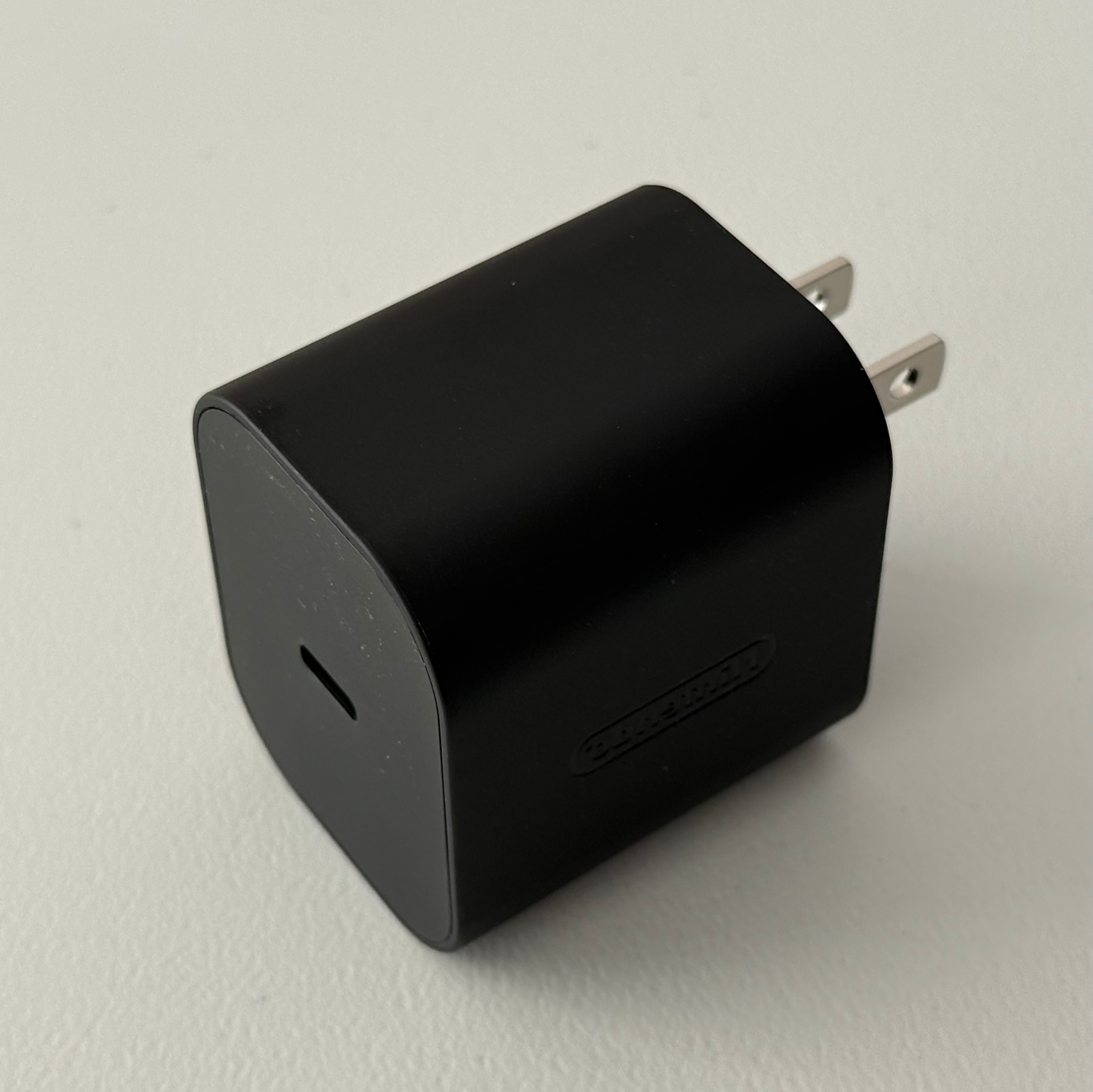
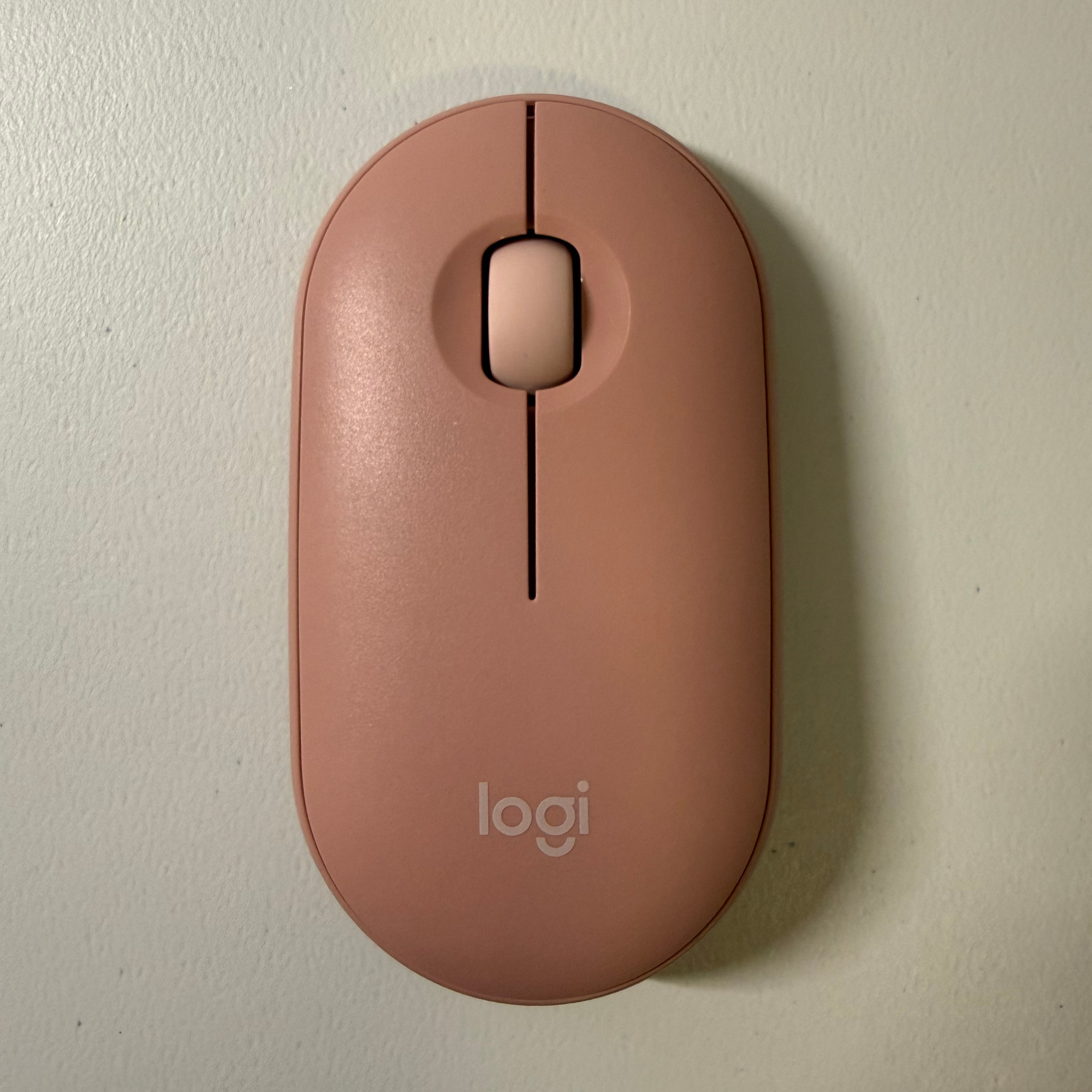
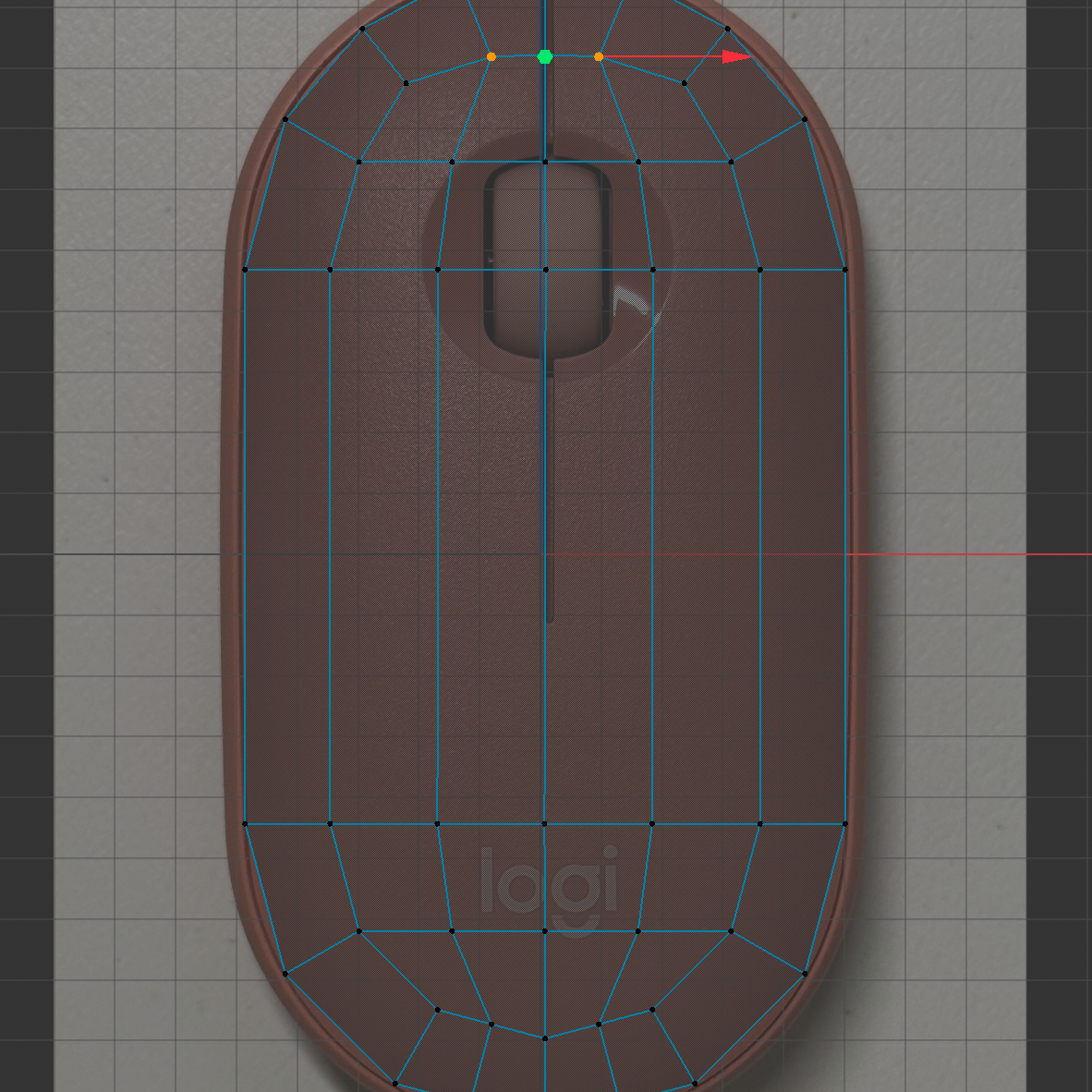
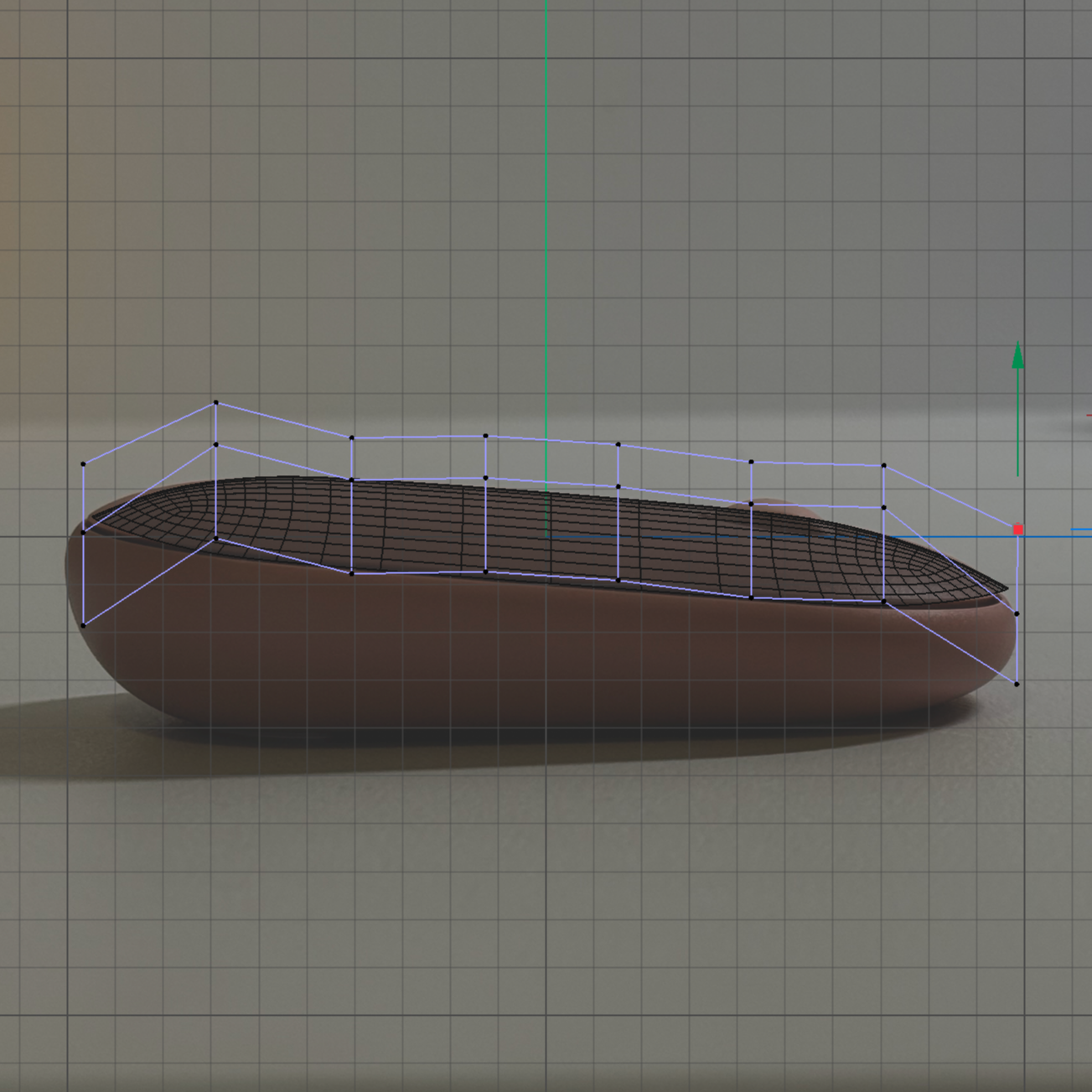
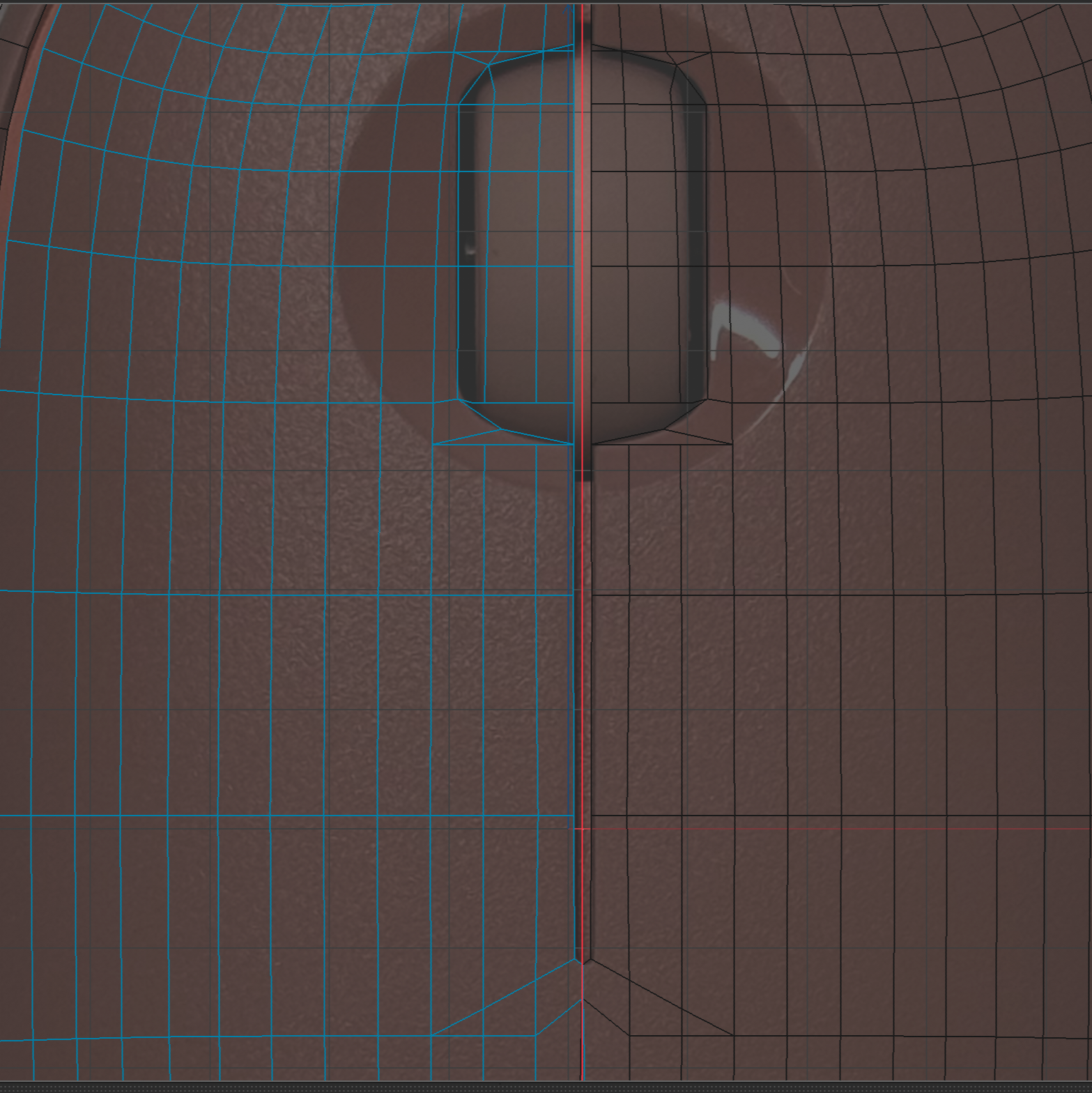
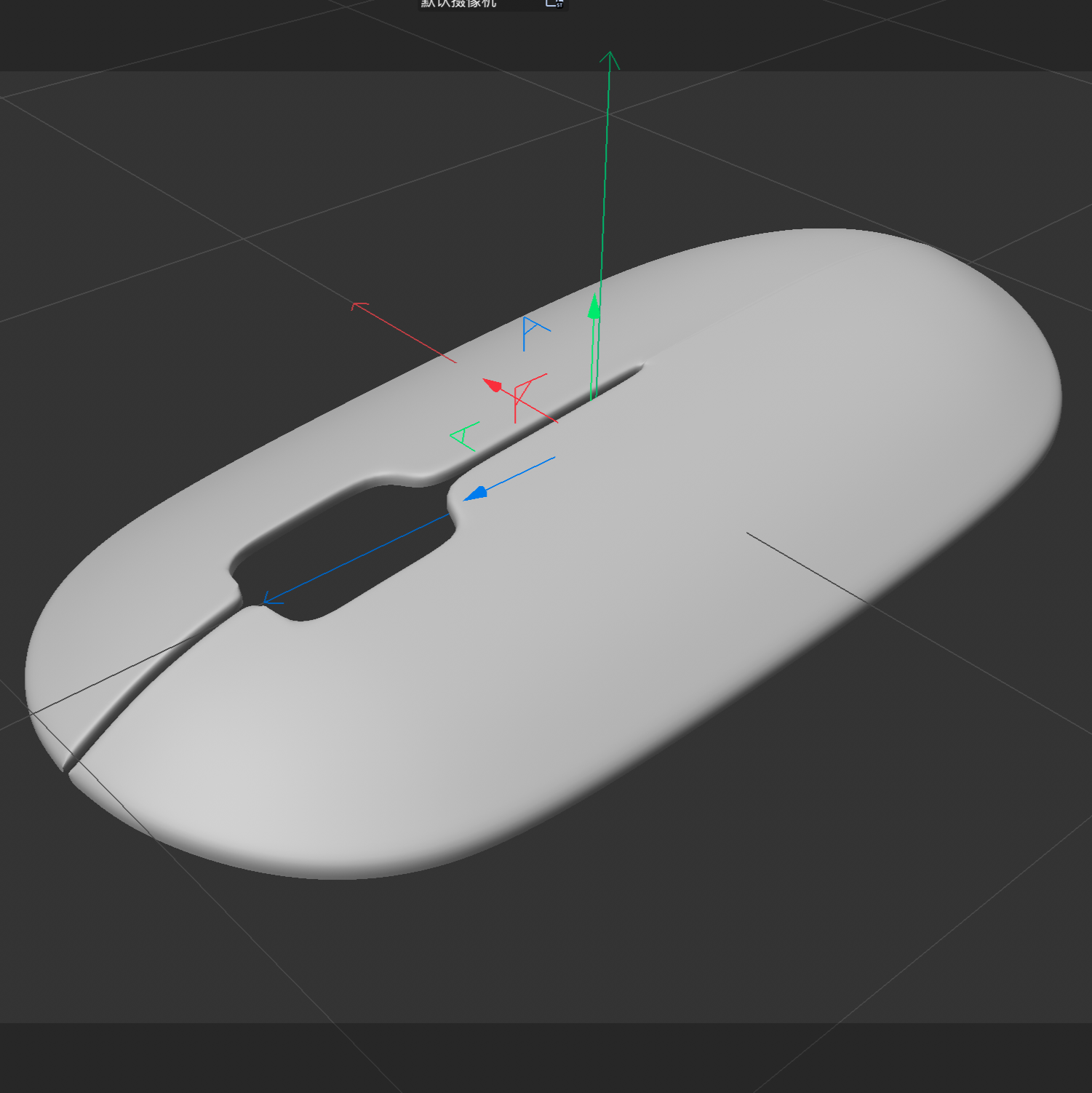
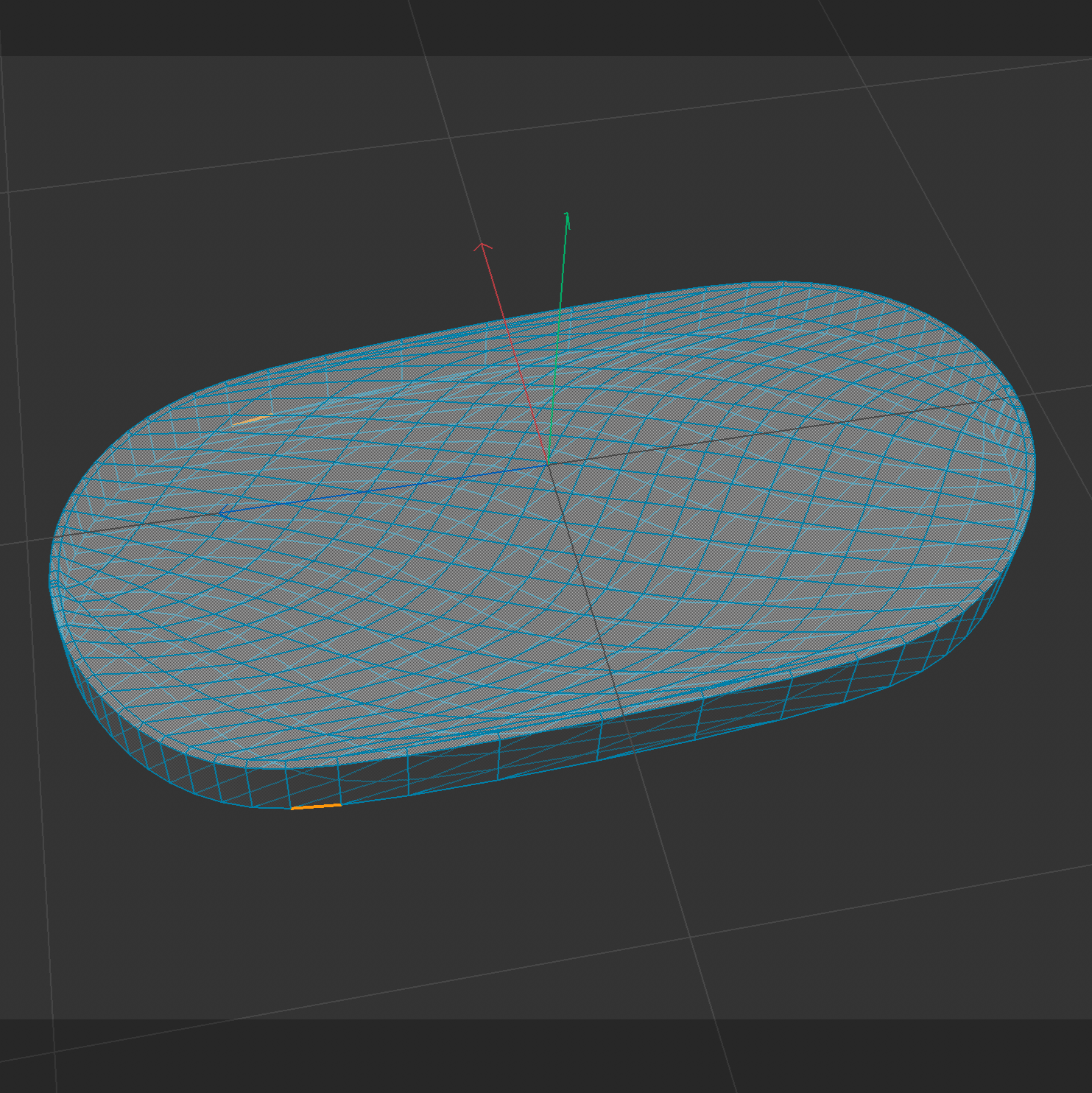
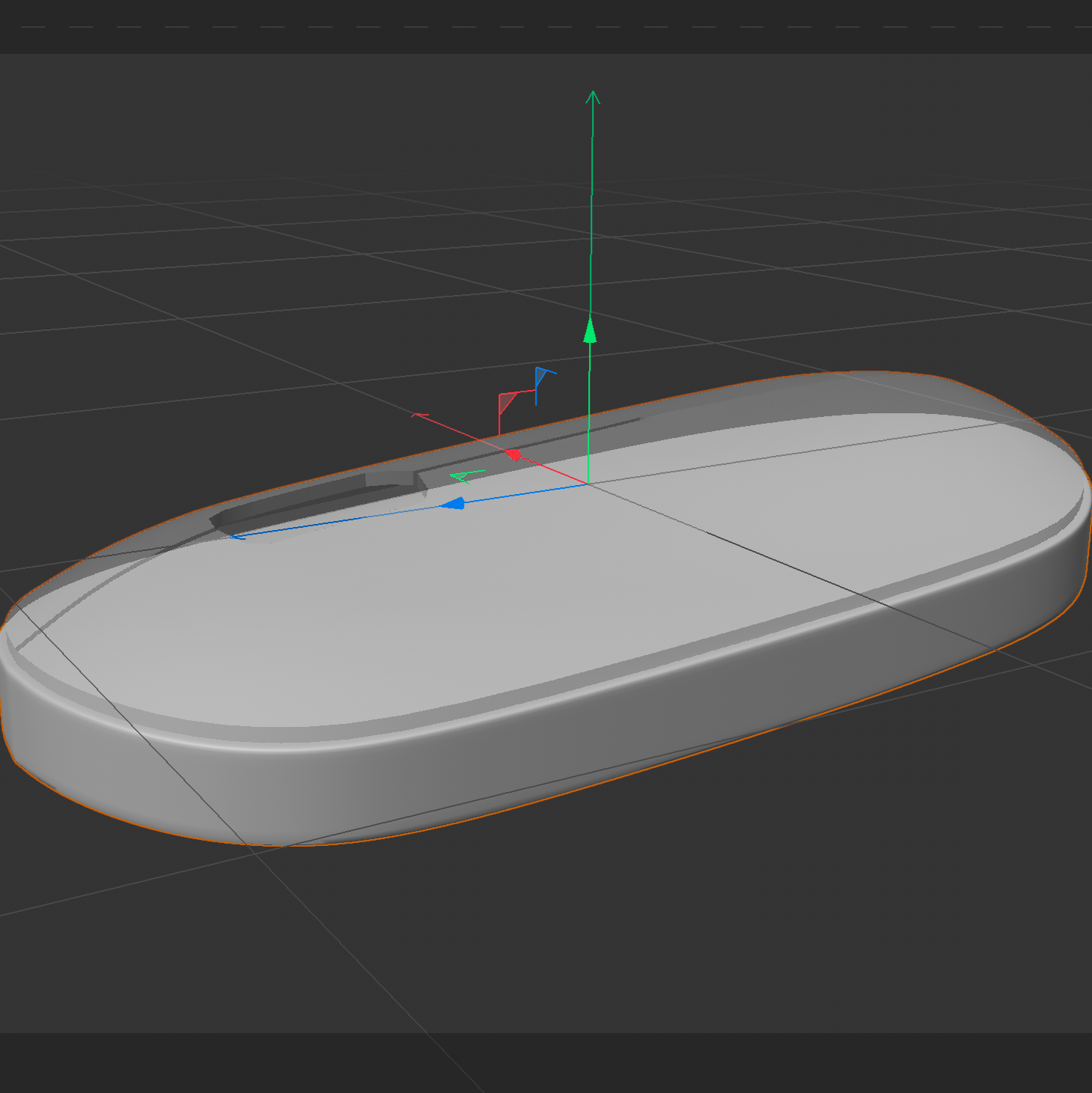
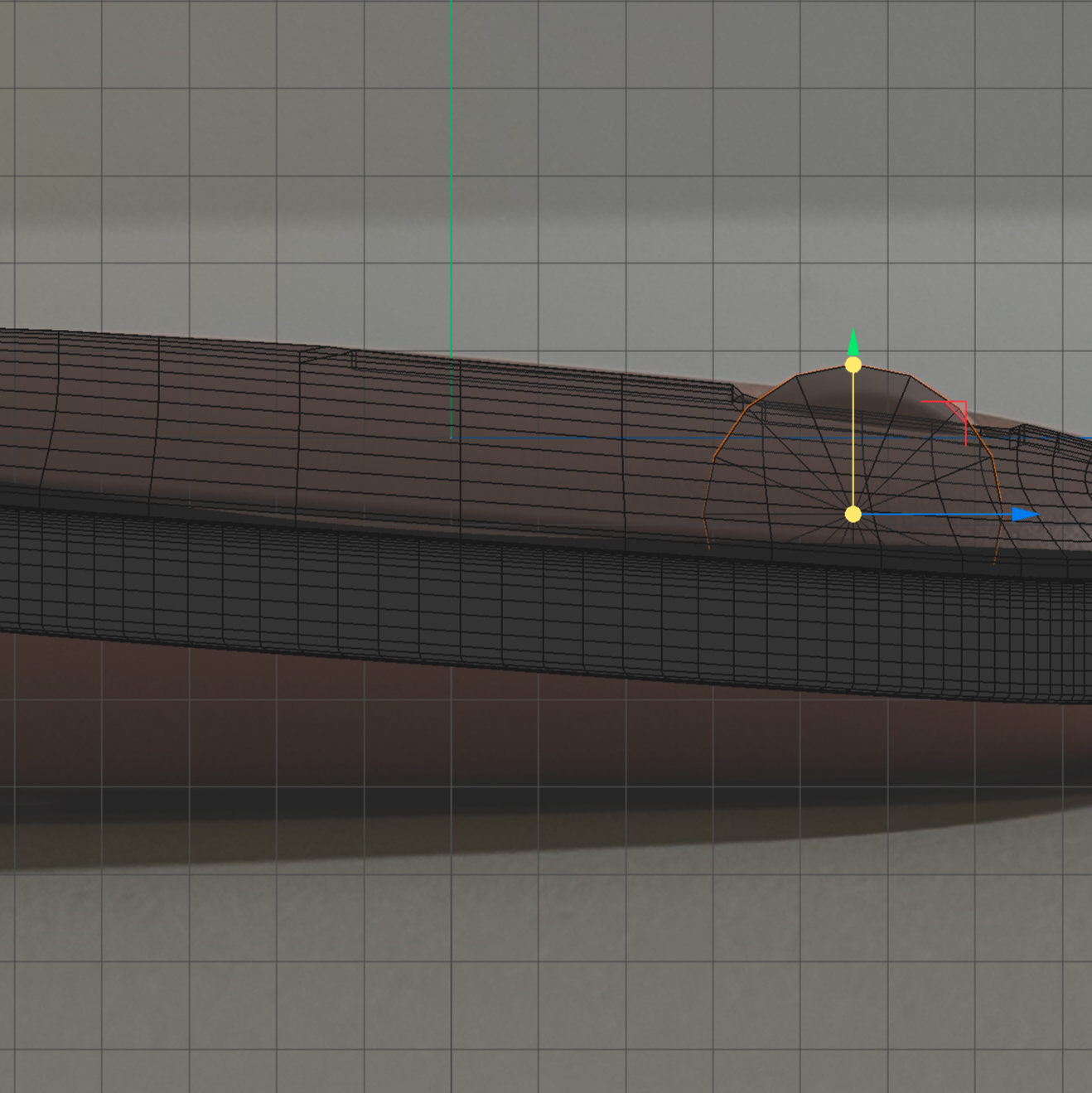
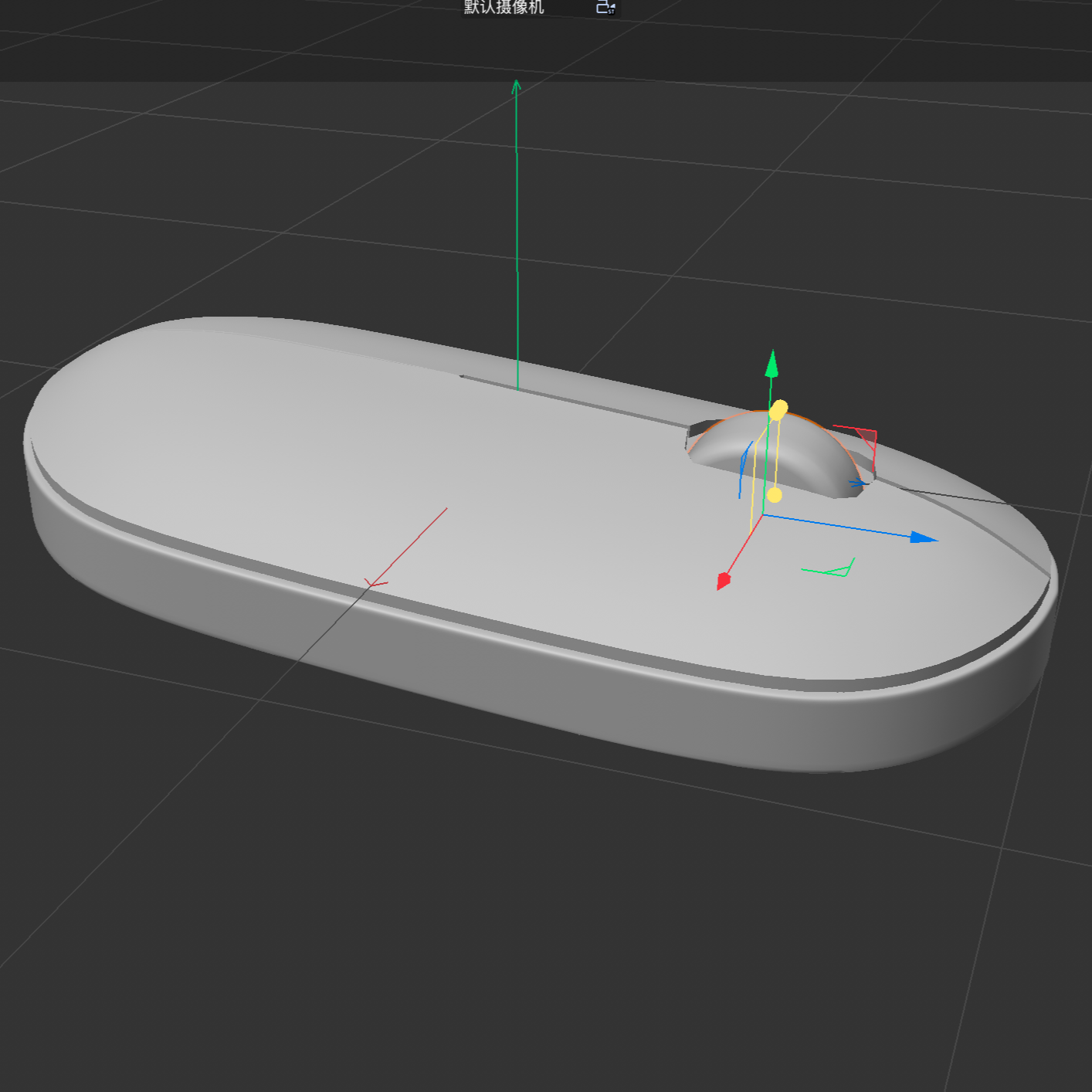
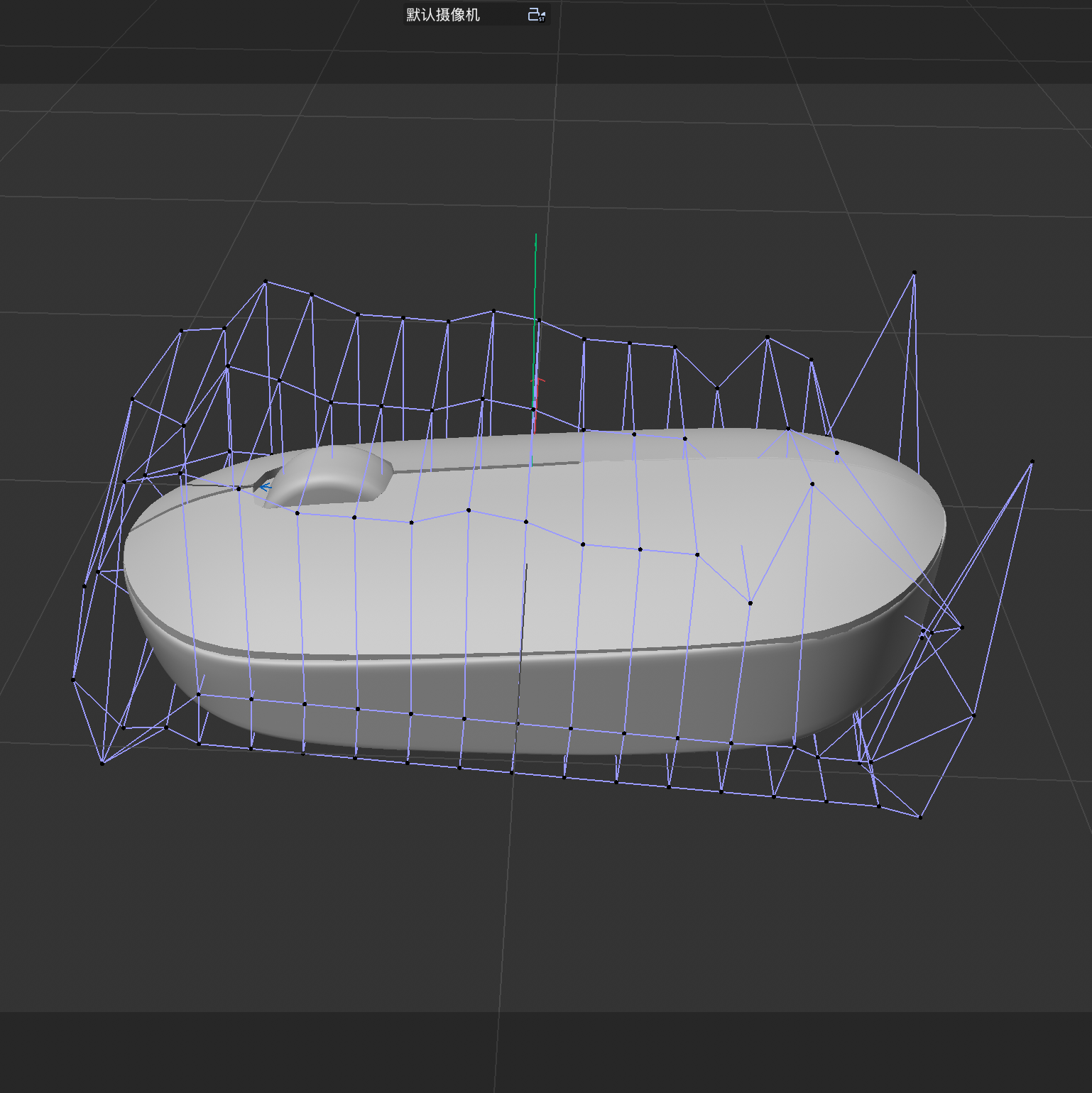
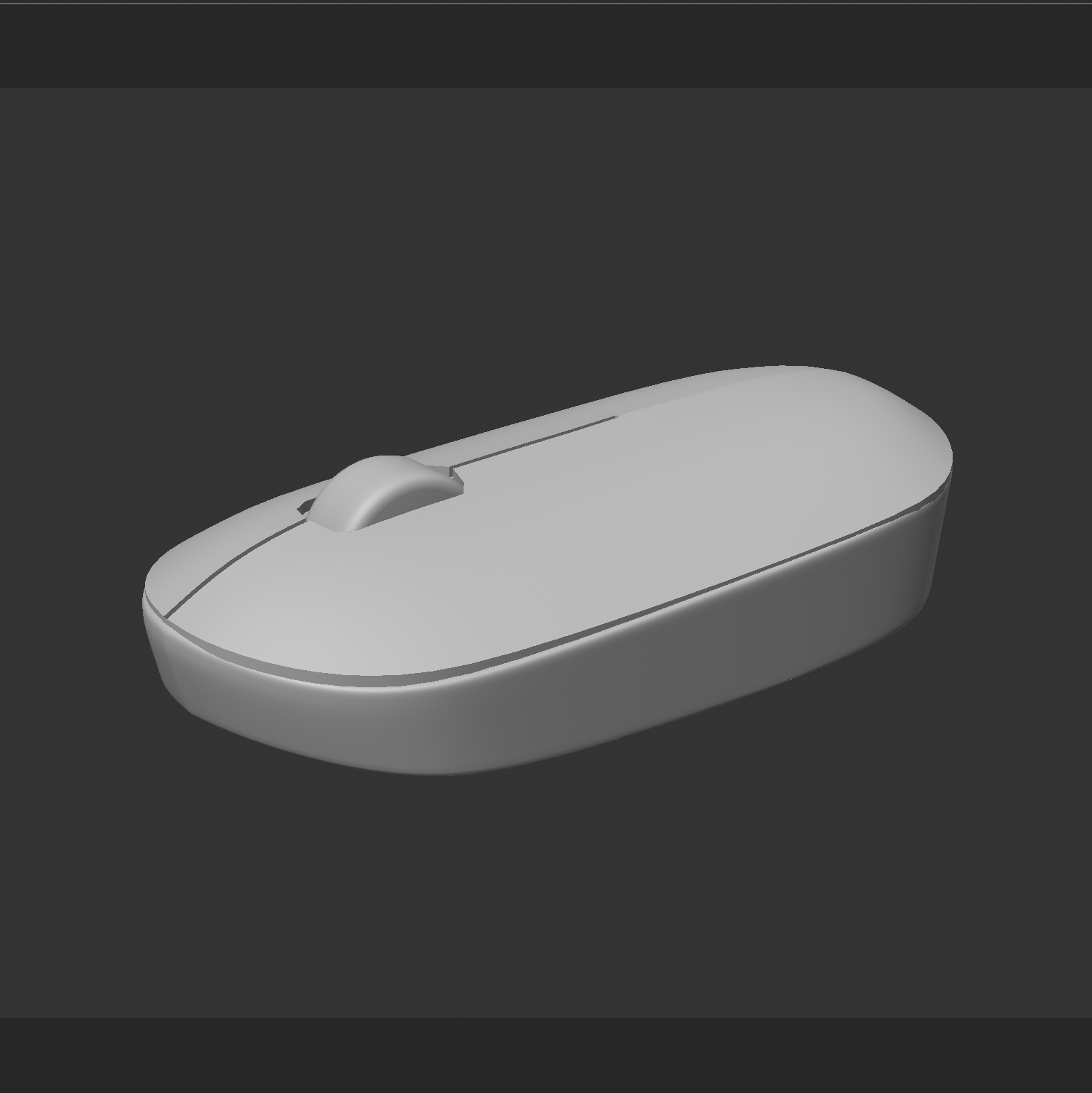
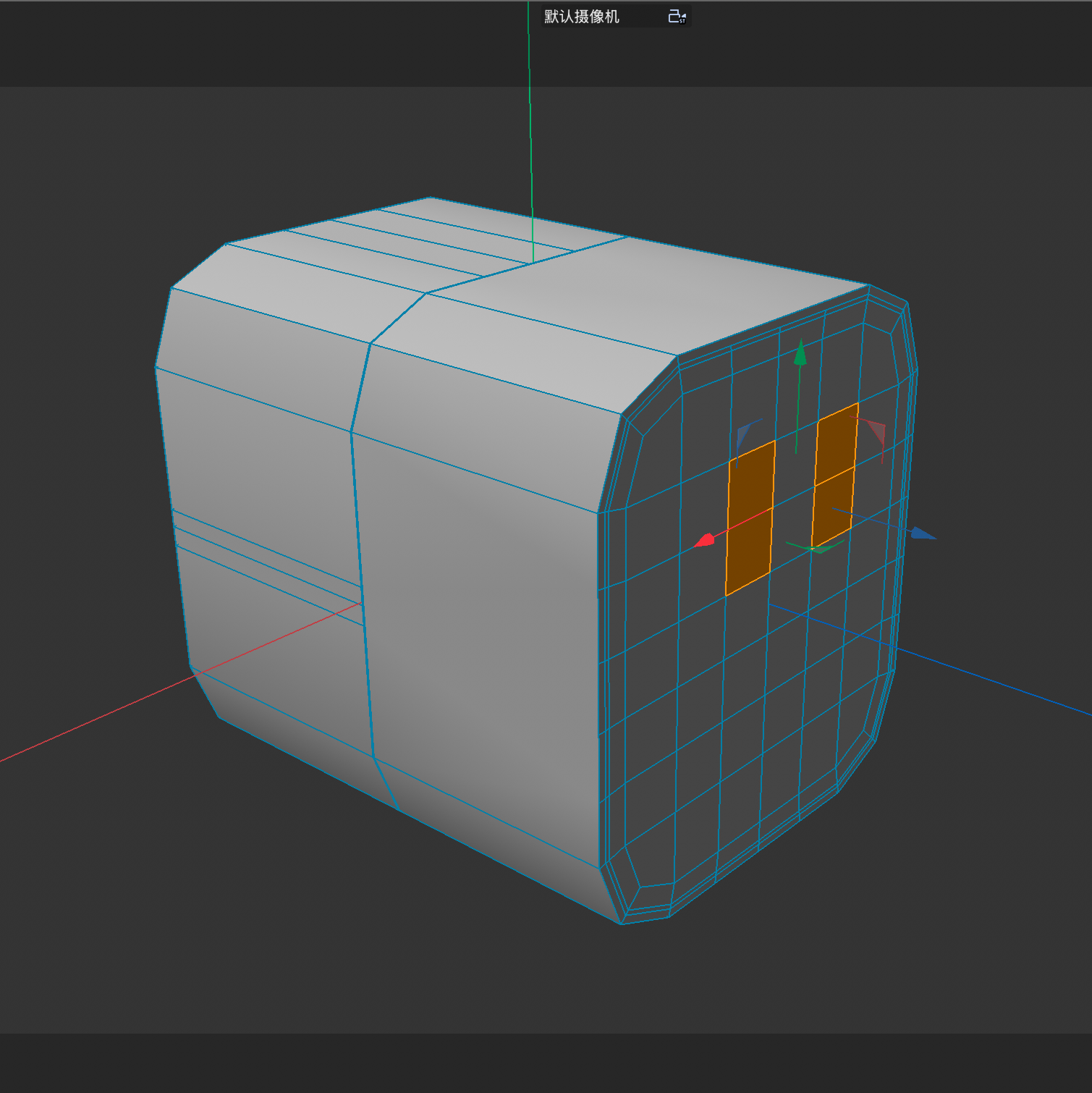
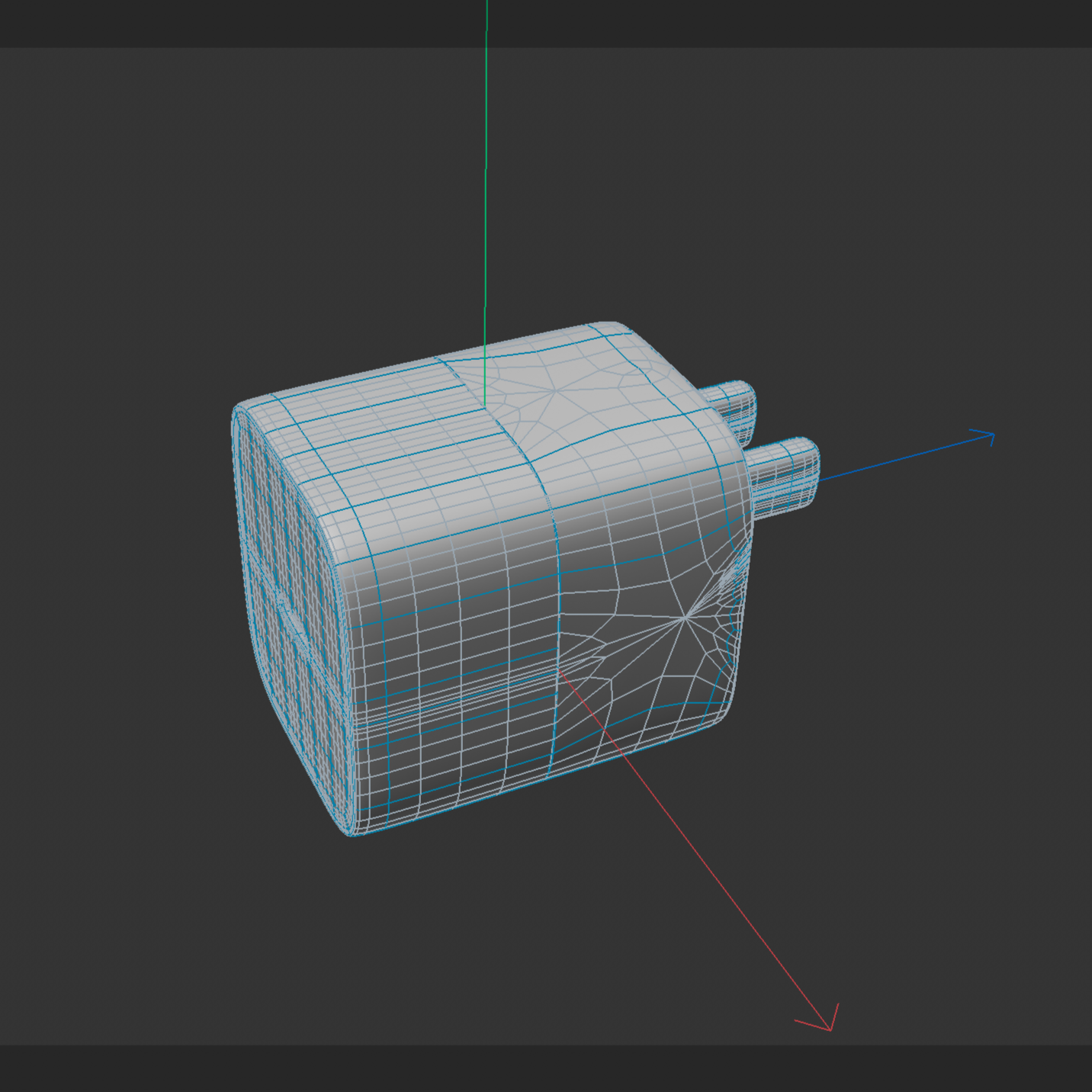
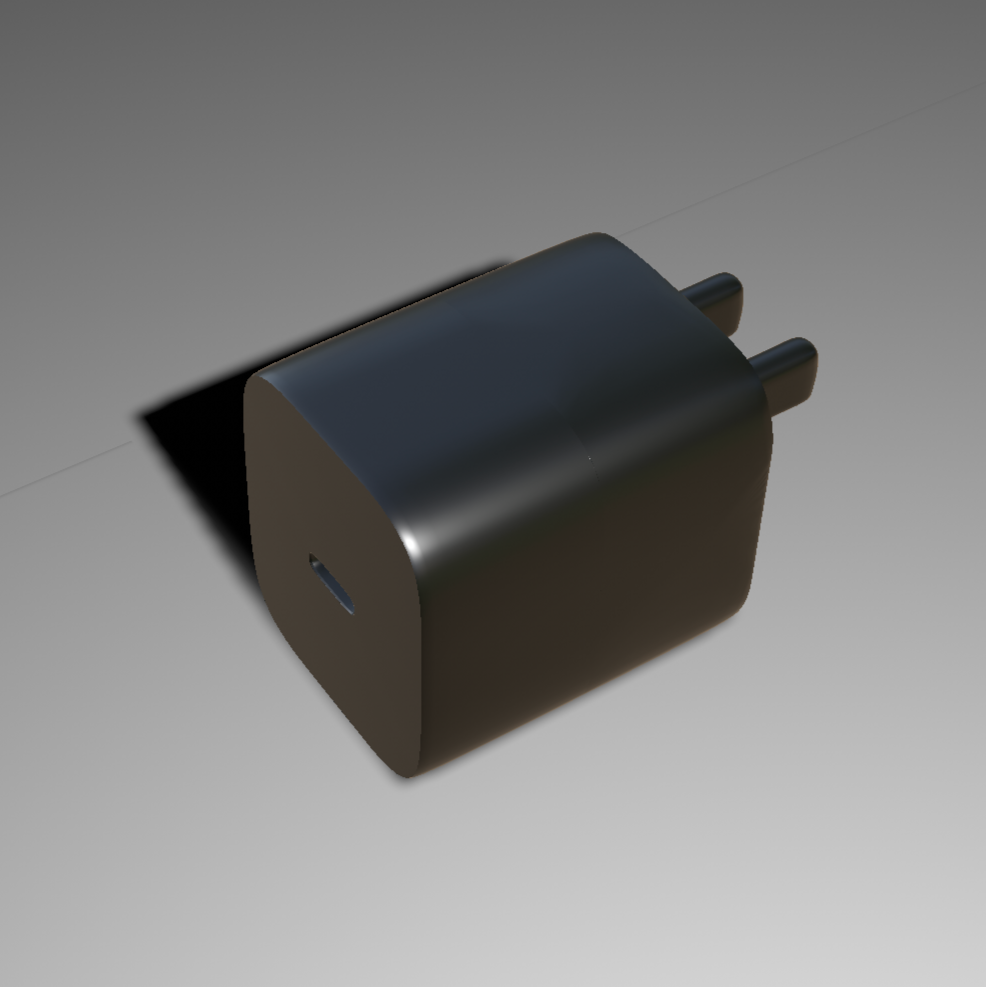
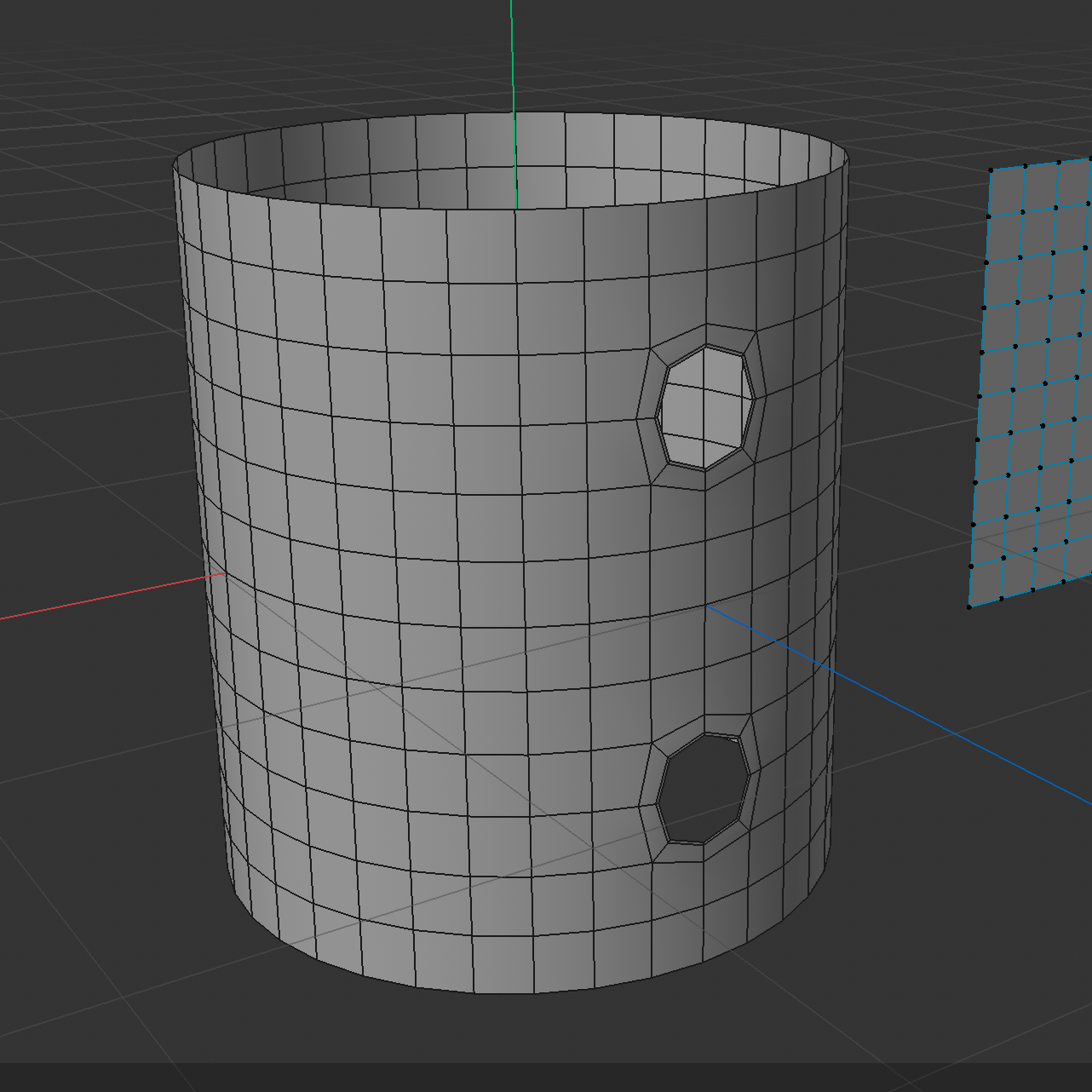
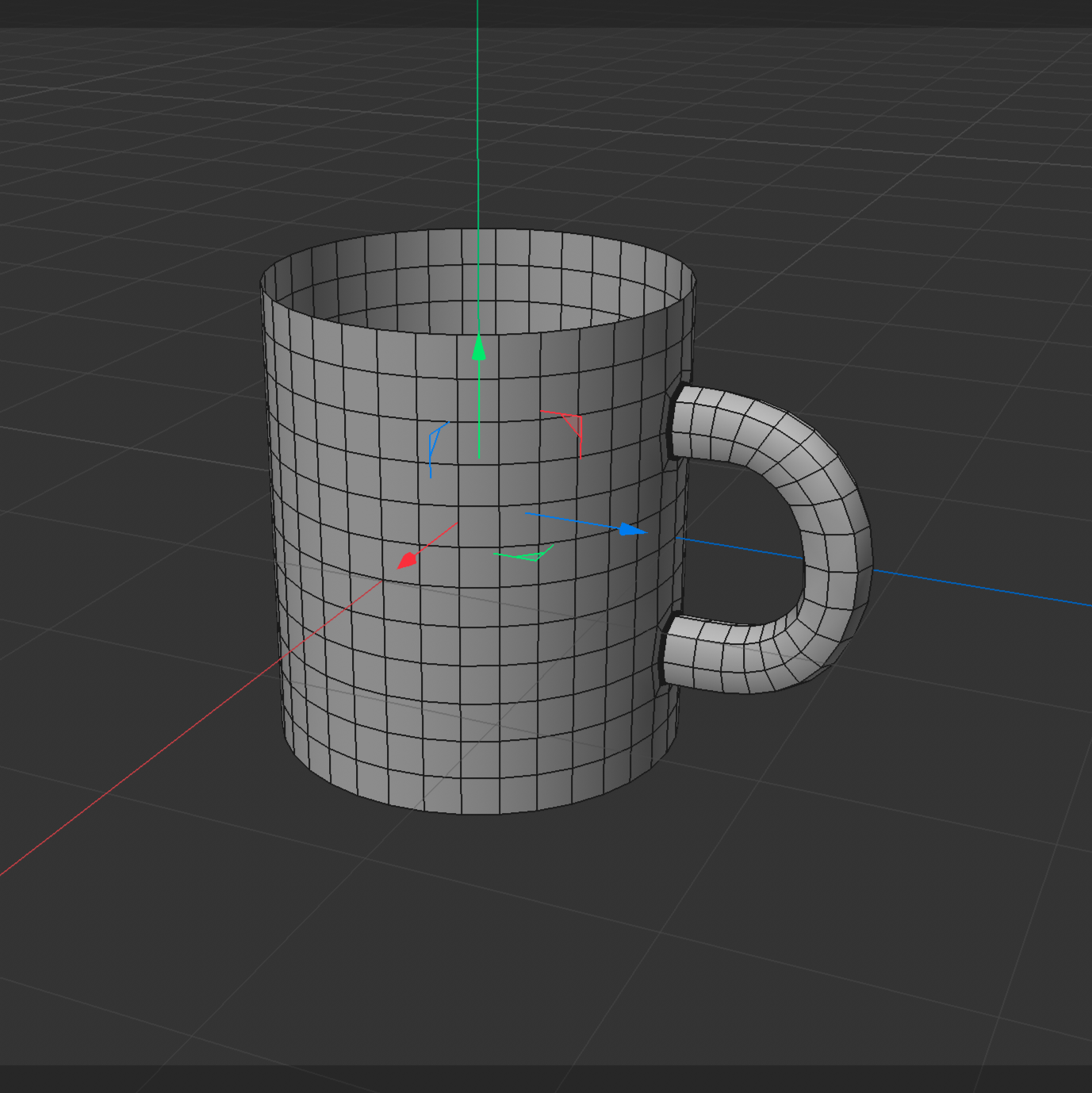
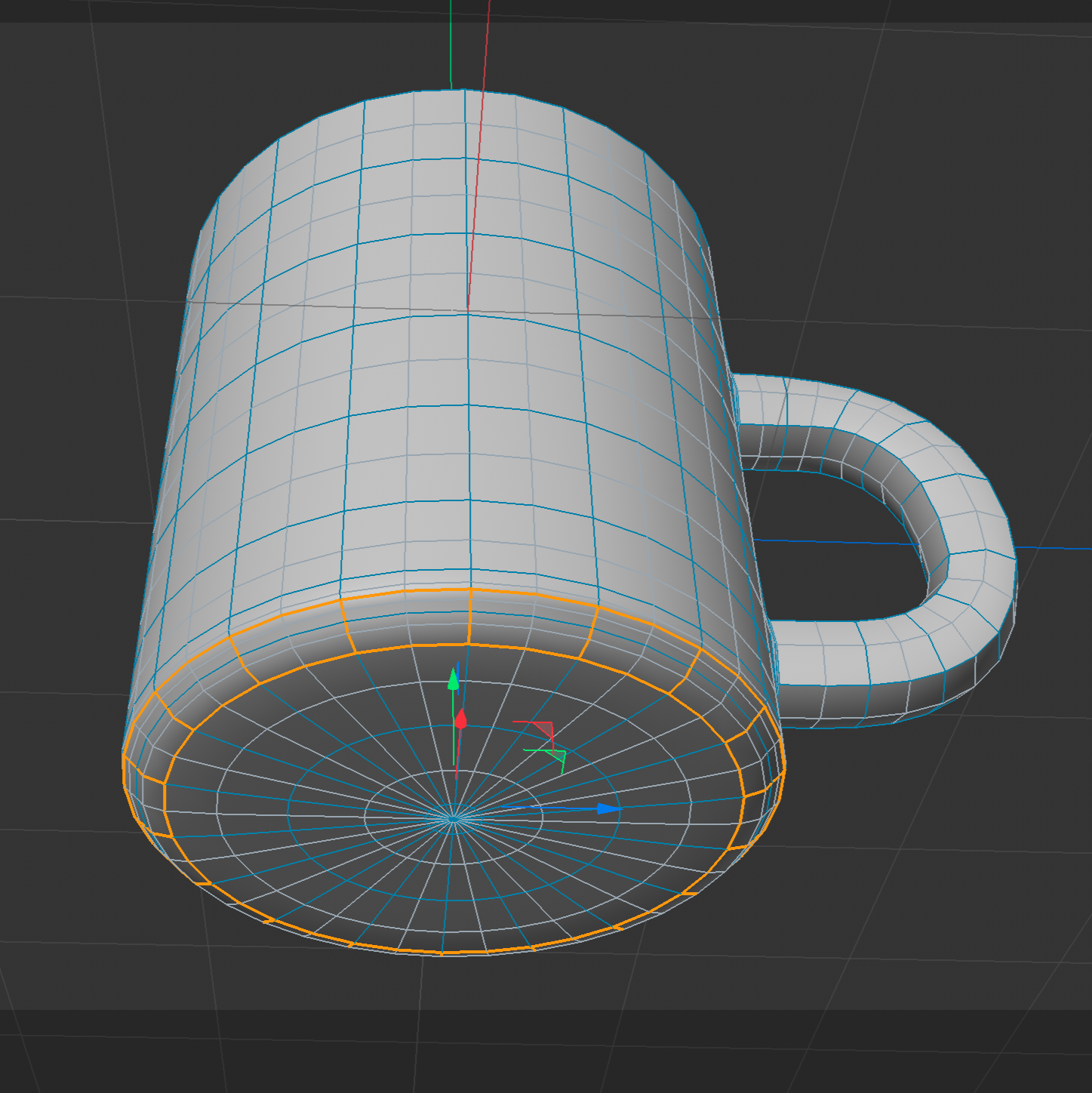
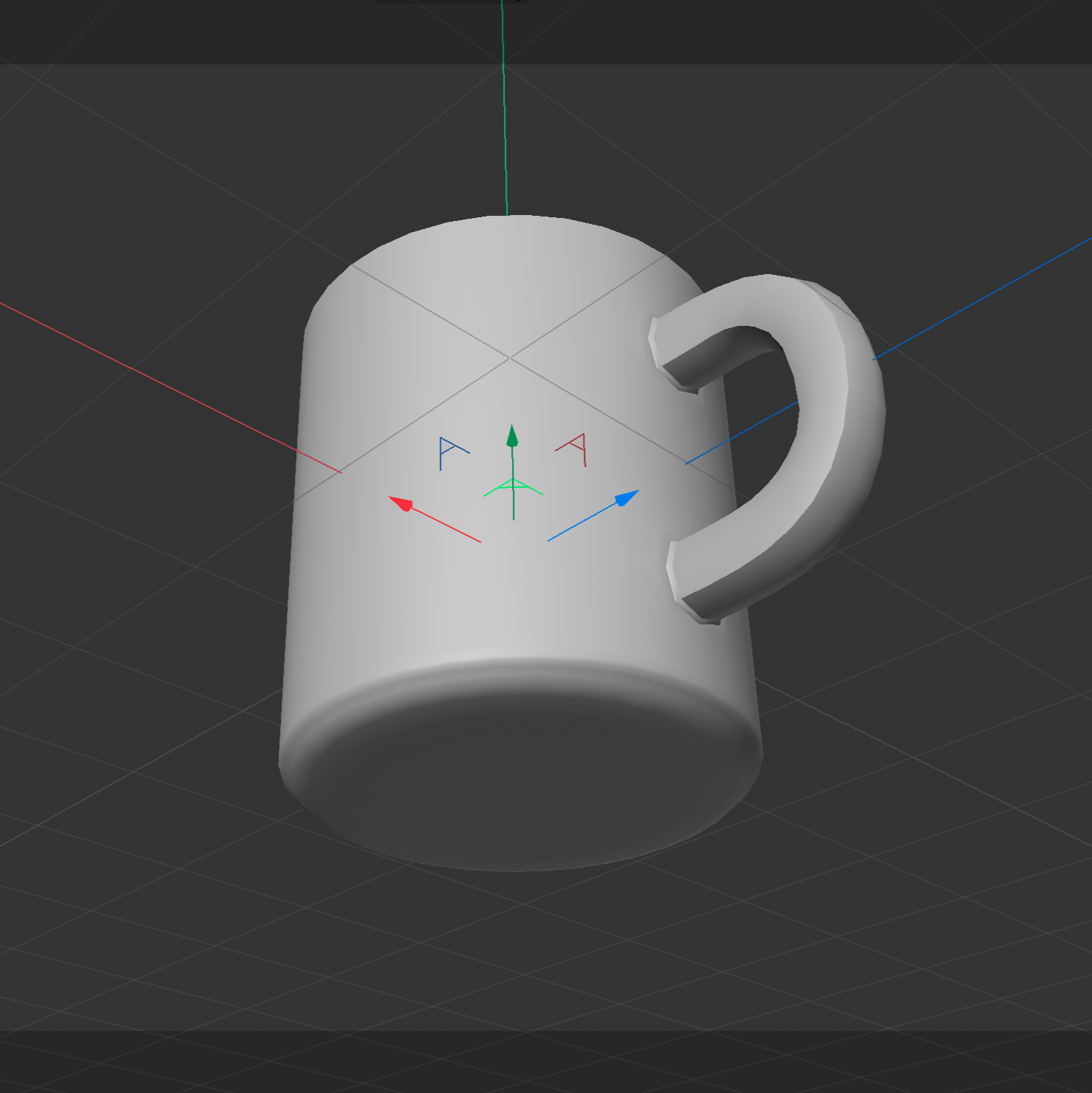
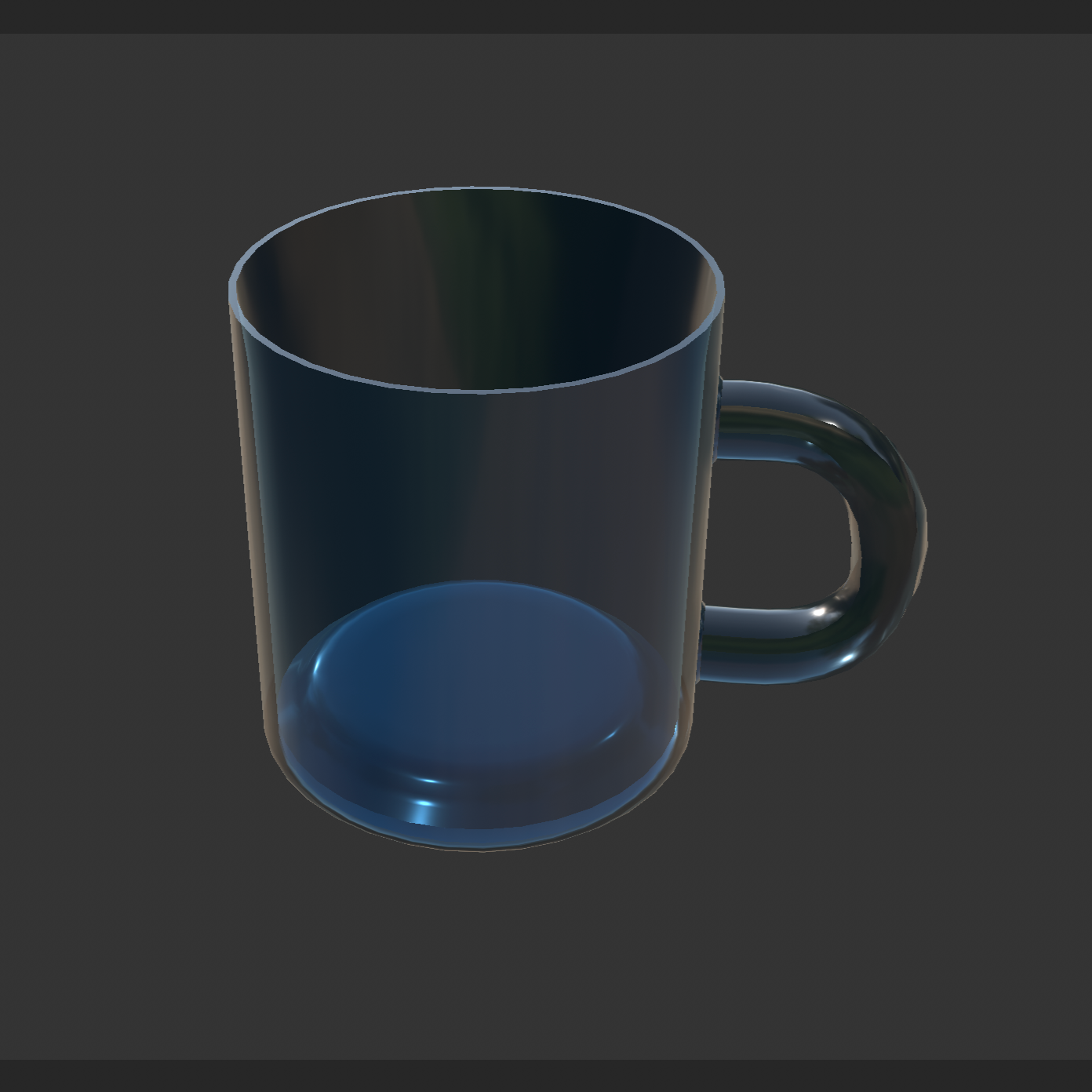
Reference photo of a ceramic mug with a green handle Reference photo of a black wall charger with two metal plugs Reference photo of a pink computer mouse viewed from the top Top view of the mouse model using a disc and Polygon Pen to build the basic shape over the reference image Side view of the mouse model using an FFD cage to shape the curved surface Modelling the mouse scroll wheel opening and center button gap using Subdivision Surface and Loop Path Cut Early 3D mouse upper shell model under Subdivision Surface, showing the top shell shape and scroll wheel opening Closing the mouse bottom opening with Close Polygon Hole and the Patch option to create a filled polygon surface Smoothed mouse model showing the rounded top shell and base Adding and positioning a cylindrical scroll wheel in the mouse model from the right side view Mouse model showing the base and scroll wheel area during modelling 3D mouse model using an FFD cage to adjust the base size, height, and overall proportions Smoothed grey mouse model showing the completed overall form Final pink mouse model with a rounded body and scroll wheel Early stage of the charger model using Bevel and Loop Path Cut to shape the rounded body and add supporting edge loops Early stage of the charger port model using Inset and Slide to shape the opening and surrounding topology Subdivision Surface applied to the charger model, showing the smoothed body shape and front charging port opening Creating the two charger plug prongs by selecting and adjusting the front polygons to prepare their extrusion Nearly completed charger model under Subdivision Surface, showing the smoothed body, two plug prongs, and supporting topology Completed Cinema 4D charger model rendered with lighting and shadows Early mug model showing the cylindrical body and openings for the handle Mug model with a curved handle attached to the cylindrical body Building the mug base by scaling the bottom polygons, welding the center points, and using Bevel to shape the bottom edge Smoothed white mug model showing the completed body and handle Final dark blue mug model with a rounded handle and reflective material

Material Workshop 1

put a description here or you will lose grades<a href='https://www.youtube.com/embed/tgbNymZ7vqY' target='_blank'><p>Project Video Link</p></a> put a description here or you will lose grades <div class='container'><iframe class='responsive-iframe' src='https://www.youtube.com/embed/tgbNymZ7vqY'></iframe></div> put a description here or you will lose grades

Material Workshop 2

put a description here or you will lose grades <a href='https://www.youtube.com/embed/tgbNymZ7vqY' target='_blank'><p>Project Video Link</p></a> put a description here or you will lose grades <div class='container'><iframe class='responsive-iframe' src='https://www.youtube.com/embed/tgbNymZ7vqY'></iframe></div> put a description here or you will lose grades

Project 1


Project 1 Models

Published 3D Model 1

PLACEHOLDER TEXT, put a description here or you will lose grades

put a description here or you will lose grades <div class='container'><iframe class='responsive-iframe' src='https://hudak.phoenix.sheridanc.on.ca/P1Stuff/Index.html'></iframe></div>

Published 3D Model 2

PLACEHOLDER TEXT, put a description here or you will lose grades

put a description here or you will lose grades <div class='container'><iframe class='responsive-iframe' src='https://hudak.phoenix.sheridanc.on.ca/P1Stuff/Index.html'></iframe></div>

Published 3D Model 3

PLACEHOLDER TEXT, put a description here or you will lose grades

put a description here or you will lose grades <div class='container'><iframe class='responsive-iframe' src='https://hudak.phoenix.sheridanc.on.ca/P1Stuff/Index.html'></iframe></div>
×

Powered by w3.css